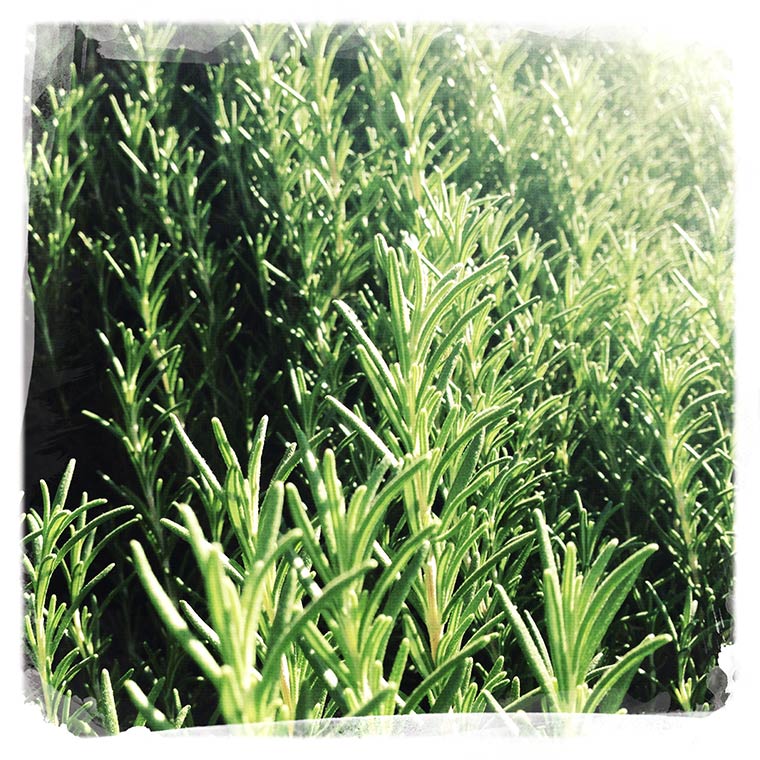
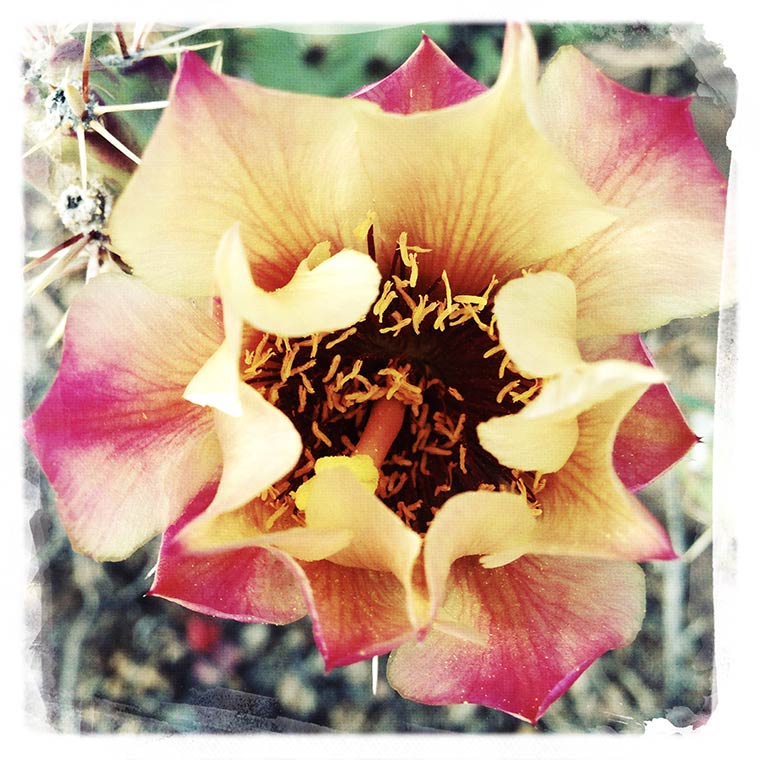
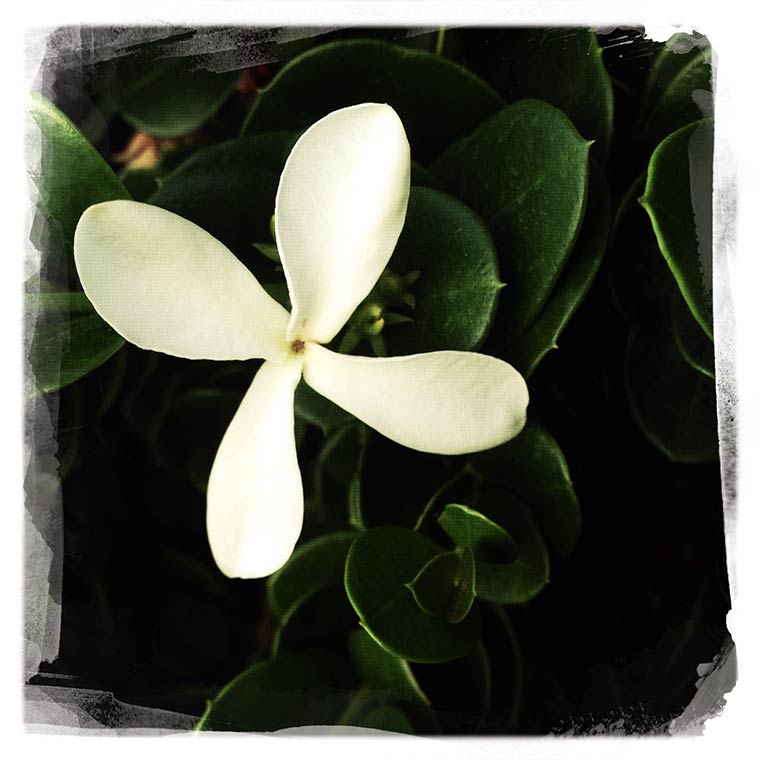
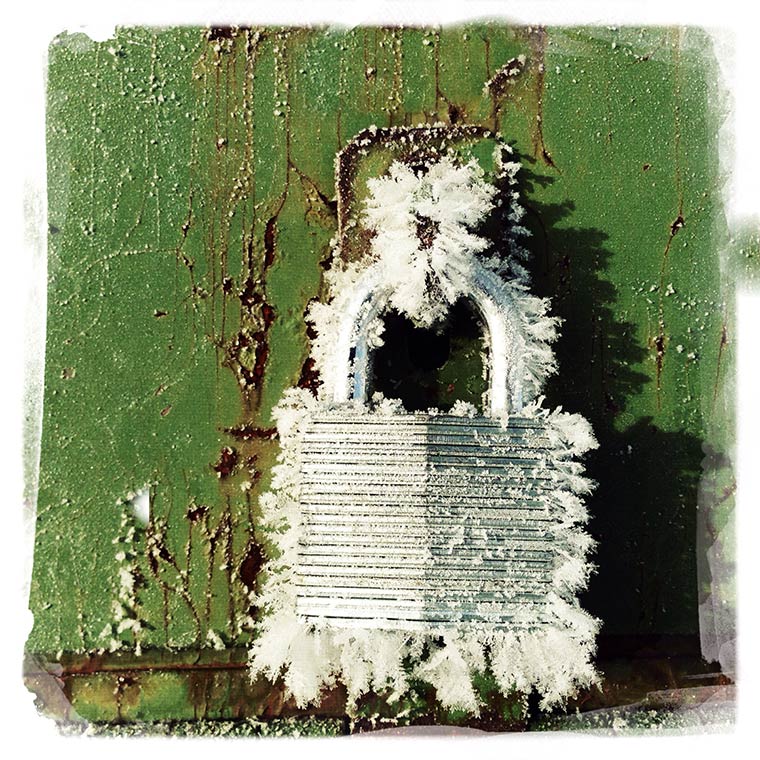
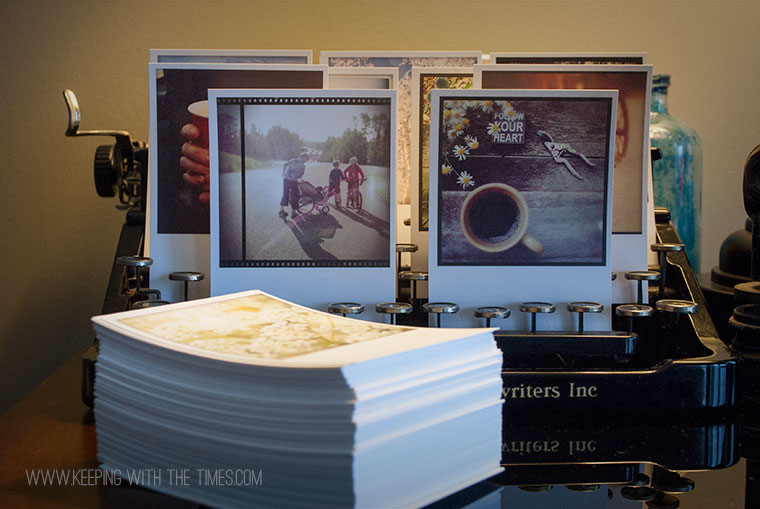
Welcome to “app” happy wednesday #11! If you’re new to the party, this is a weekly link-up to share your photos edited with “apps” of course!
I’ve been playing with Camera+ and today I share how I save my images.
When I’m out and about taking photos I may take upwards of 20 shots of the same thing so I prefer to save to Lightbox only. With this option I decide which photos get saved to the Camera Roll and when. Sounds great, right? The Camera Roll does not get clogged up with tons of bad shots.
Unfortunately there is a rather large drawback to this method. The moment you save a photo to the Camera Roll from Camera+ it is immediately deleted from Lightbox. Poof!
If you made any edits the original is gone, gone, gone. Not good. To get around this I choose which I think is the best photo, save the original to the Camera Roll, and then import it back into Lightbox to edit and add filters, etc.
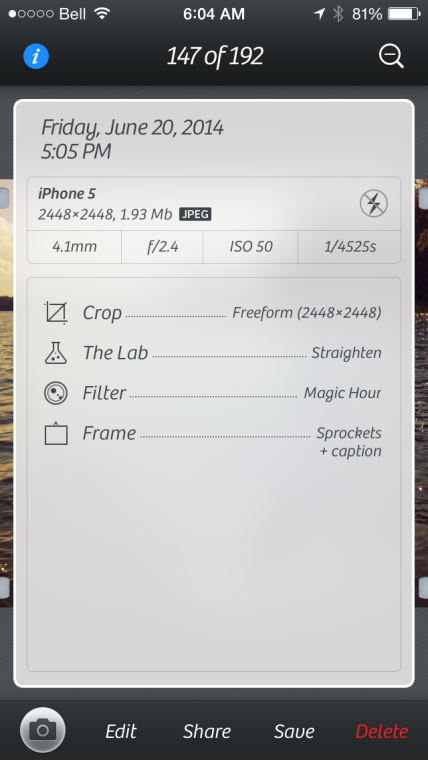
That works OK for me but I really don’t think it’s the slickest workflow. Before saving the image you have access to all the info from when it was shot to every single edit you made to it, but once saved, all this info vanishes too (boo).
Another option is to “Share” the image (at any stage) to another app such as PicsPlayPro and save it from there. This way the original stays put in Camera+ along with all the editing info.
Oh, and by gosh! don’t hit “Save All” by accident … ask me how I know.

All this info is available until the image is saved to the Camera Roll:
Pros:
- Sharp, clear images.
- Great editing tools.
- Access to all photo info including edits.
- Saving to Lightbox first keeps the Camera Roll clean.
- Option to “Share” with another app to continue editing and saving.
- Photos shot on the iPhone automatically get synced to Lightbox on the iPad (and yes I got an iPad—squeeeee!!)
Cons:
- Photo is permanently deleted from Lightbox once it is saved to the Camera Roll, along with all editing info.
So there you have it! That’s it for Camera+. Time to move on …

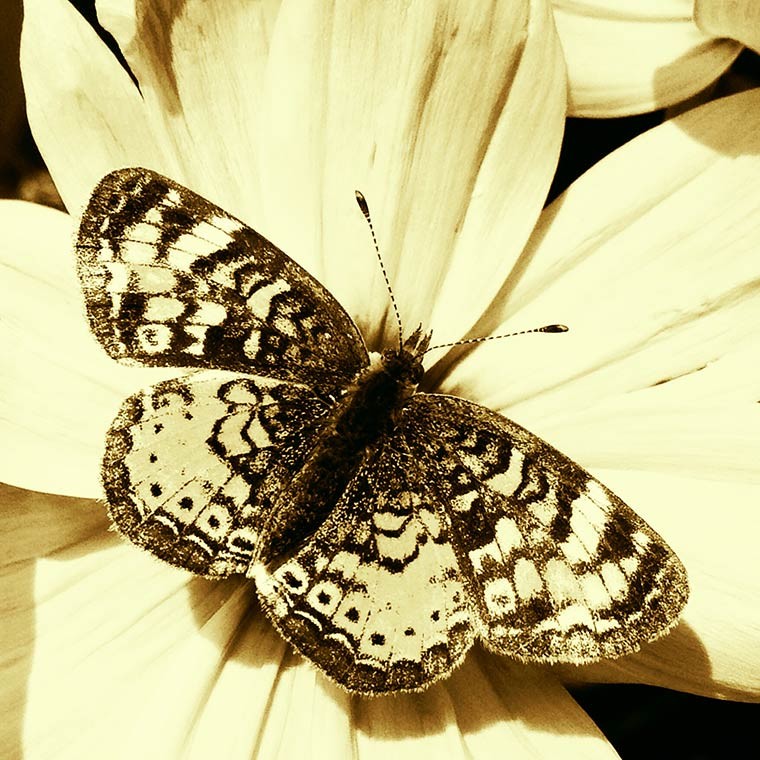
Now let’s see what you’ve been up to!
Use any “app” you like and perhaps explain how you used it.
- Did you use just one? Did you combine apps?
- Simply create some art. Post it on your blog or Flickr or wherever you are uploading your work, and then come back here and link it up!
- Visit a few friends to see what they are up to and perhaps learn some fabulous new tips and techniques.
- Spread the word about the link-up, the more the merrier!
- Each party will start at 5:00 am on Wednesdays and will stay open until the following Sunday night at midnight.
- *NEW* and exciting news! you can now use Instagram to link your images! Way cool! Check the article here. I also added some tips on this post here.
*sorry … this series is closed
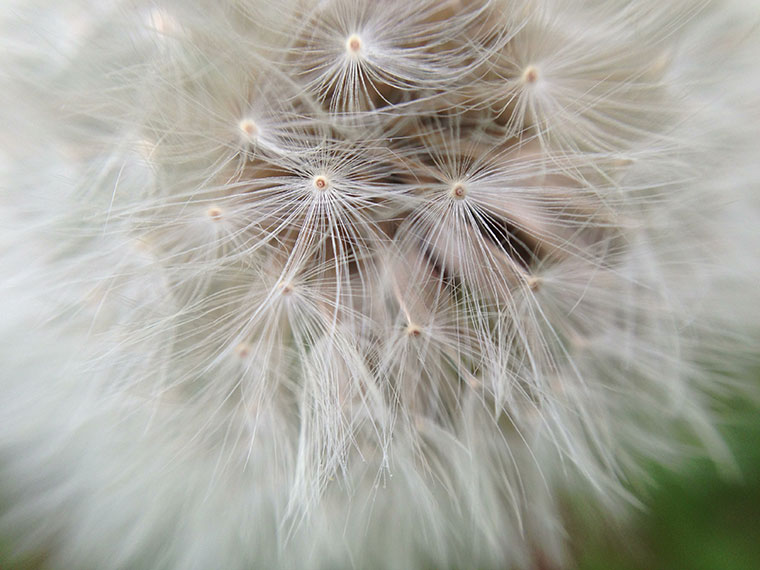
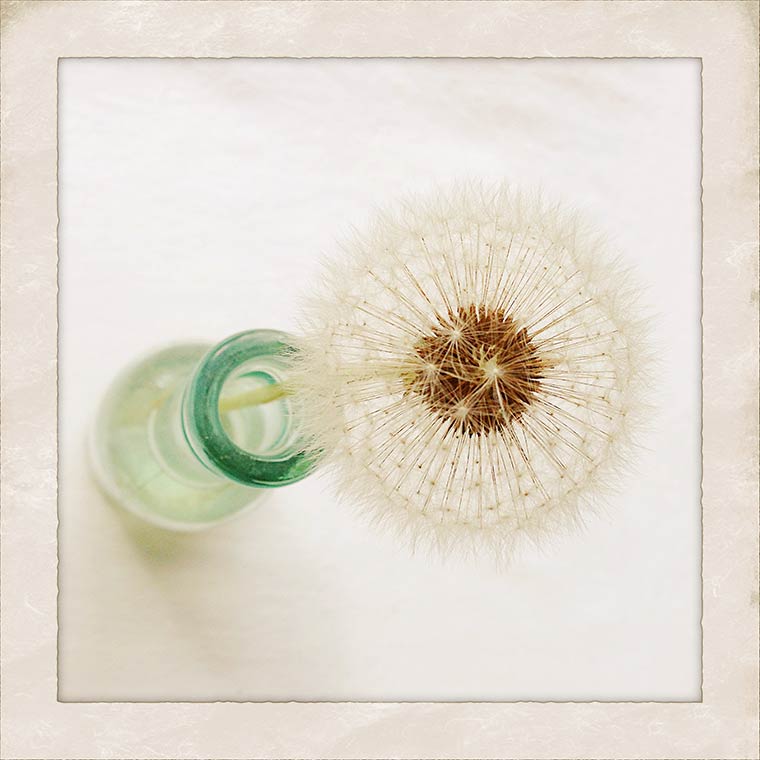
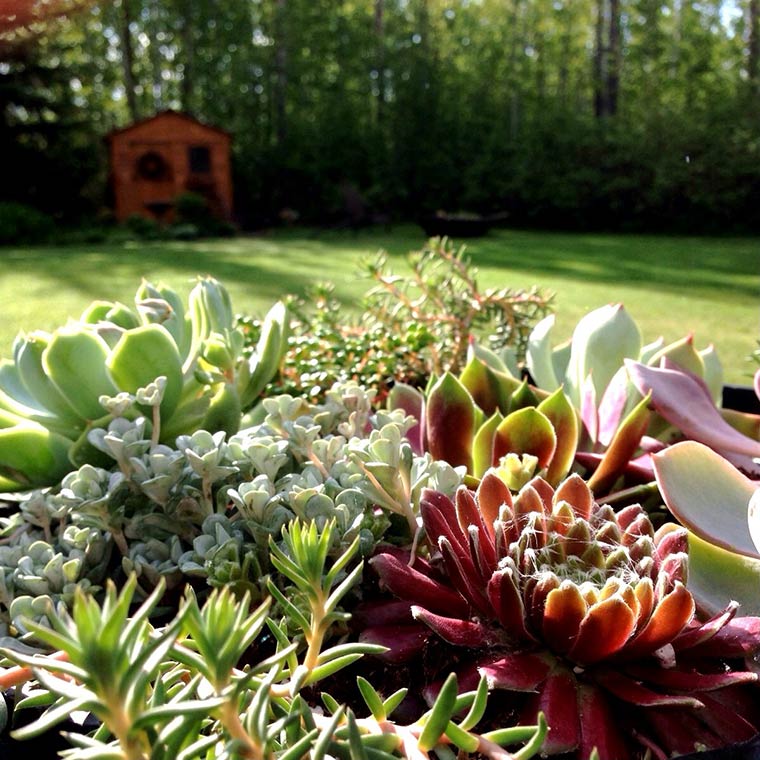
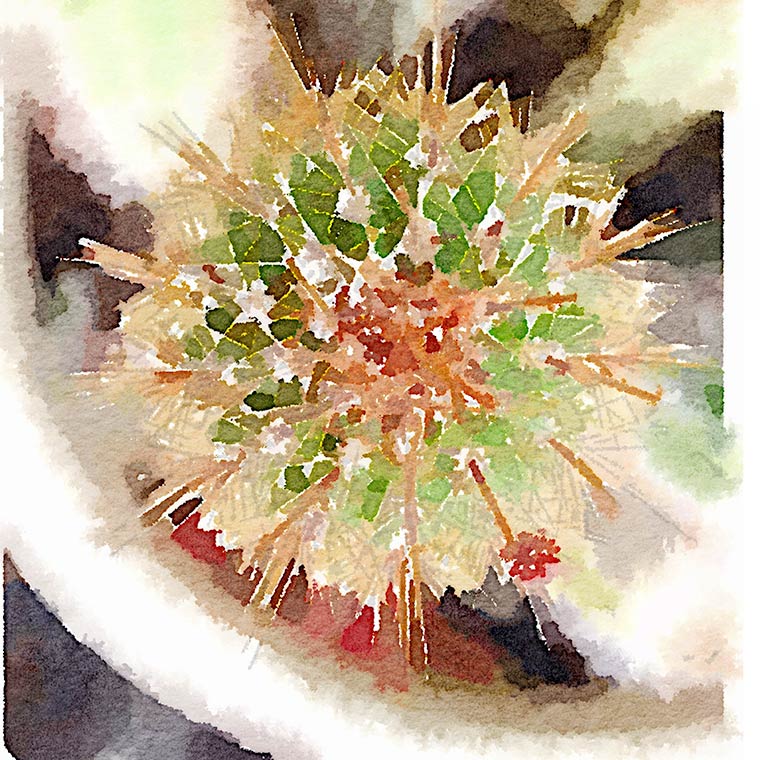
 Then I decided to try using my Olloclip to capture the centre. There are no adjustments made to this shot.





















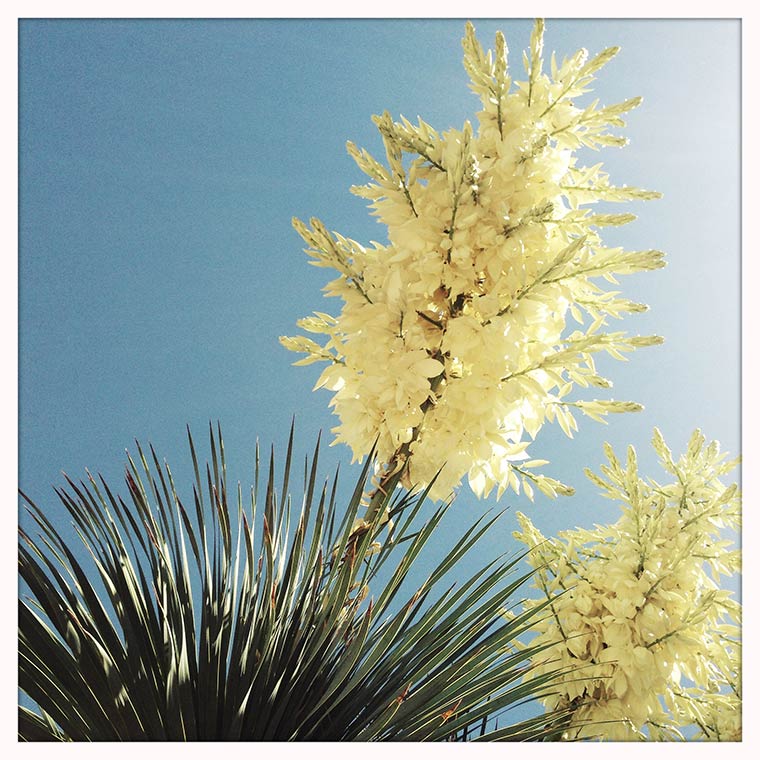
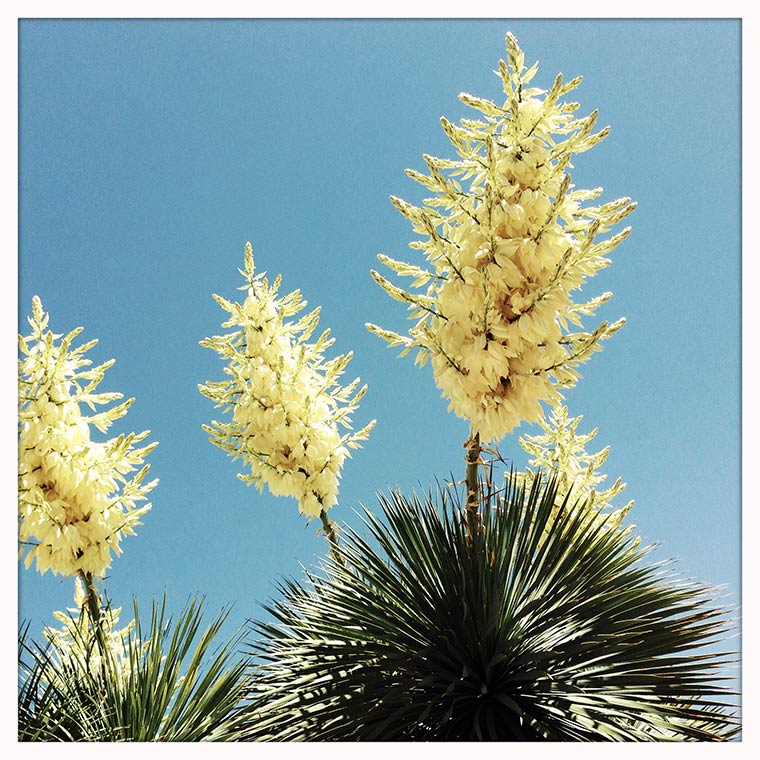
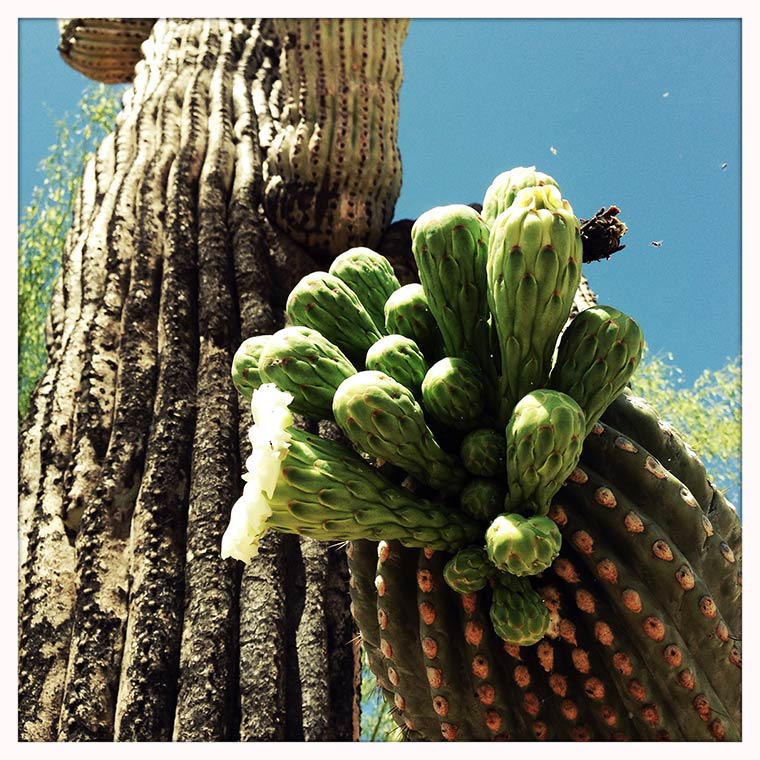
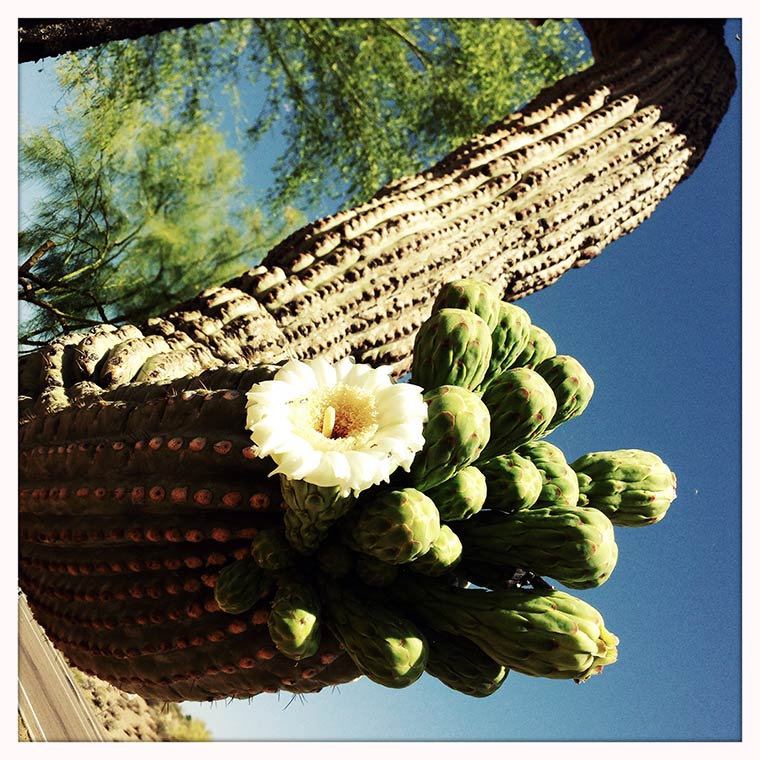








 So today is a “get back into the old routine” kind of day, and a nap is certainly not out of the question.