Keeping With The Times

living, learning, and keeping with the times

  • Home
  • About
  • Site Information
  • Privacy Policy

Good Monday Morning!

September 1, 2014 by Barb 8 Comments

Just popping in to wish everyone a happy holiday Monday and to share some tidbits of my week!

I also want to remind you that I’m giving away a copy of Photoshop Elements 12, so if you’re interested go to this post to enter the draw!

I pass this lovely barn many times on my travels and I have dozens of photos … it just never gets old …
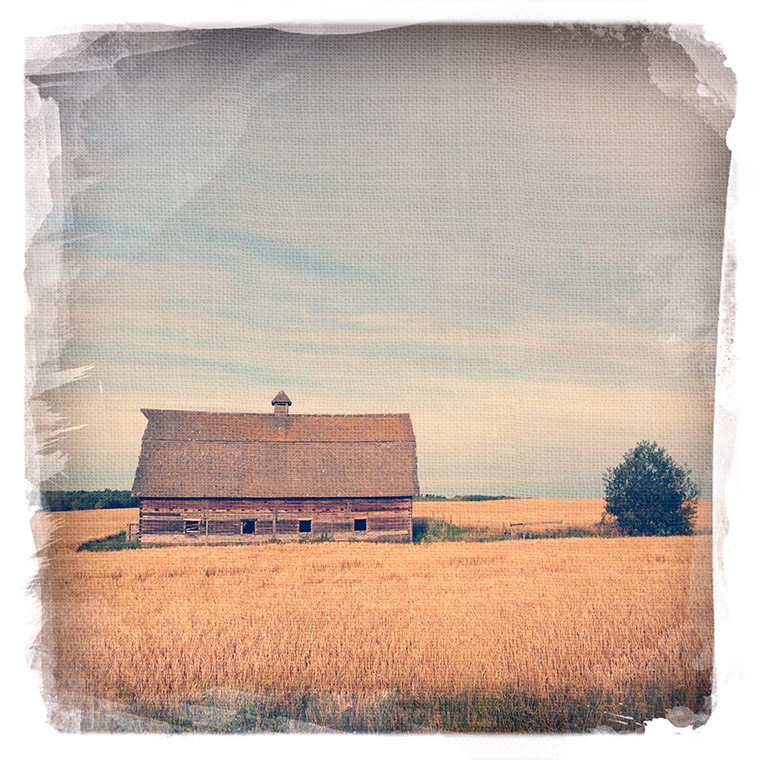
autumn leaves, keeping with the times

#asseenonmydriveway #autumn #wereontheverge

autumn-leaves-copy

What a gorgeous time of year!

harvest-copy

Thanks so much for dropping by!

Filed Under: Phone Photography Tagged With: giveaway

“app” happy wednesday #19

August 27, 2014 by Barb 9 Comments

Welcome to “app” happy wednesday #19!

If you’re new to the party, this is a weekly link-up to share your photos edited with “apps” of any kind! Let me stress there are no rules!! Just join the fun and share any kind of artsy creation.

Do you use PS Touch? I’ve been using it more and more and the reason for that is the new Creative Cloud feature. It’s so convenient to access photos and textures!

  • I have Creative Cloud since it comes with the Photoshop Photography Program.
  • You can see I have a folder called iPhone 2014.
  • I offload my Camera Roll to my computer with LR and then upload them to the Creative Cloud. Of course your phone and iPad will share photos if you have the Photo Stream turned on, but I had turned mine off for a while since it was driving me crazy … .
  • I’ve also uploaded some photos to “DSLR Photos” taken with my BGC (which I do not post on IG – ever) but I can use them when posting to my blog from my iPad.
  • The best part is I uploaded tons of textures so now when I use PS Touch they are conveniently available to use on my images:
PS Touch Screen Shot, "app" happy wednesday, keeping with the times

iPad Screenshot

So what can you do in PS Touch? Well, for one thing you can work with layers.

Here I added two textures, both different opacities and blend modes. I also added a filter to the actual photo layer.

image

Here’s my final image after I added the frame in Camera+

… this creation is not one of my favourites and I will admit working in PS Touch feels awkward. But the whole point of this exercise for me is to push myself to learn the ins and outs of using different apps. Sometimes it just takes a while to warm up to something new and unfamiliar.

And just because I felt like torturing myself further, I used PS Touch to resize the images and then I created this post on my iPad. Arghhhh!! Why?!?! Why I ask myself?! I’m major fumble fingers when I don’t have a mouse … it’s a miracle I didn’t hit Publish halfway through.

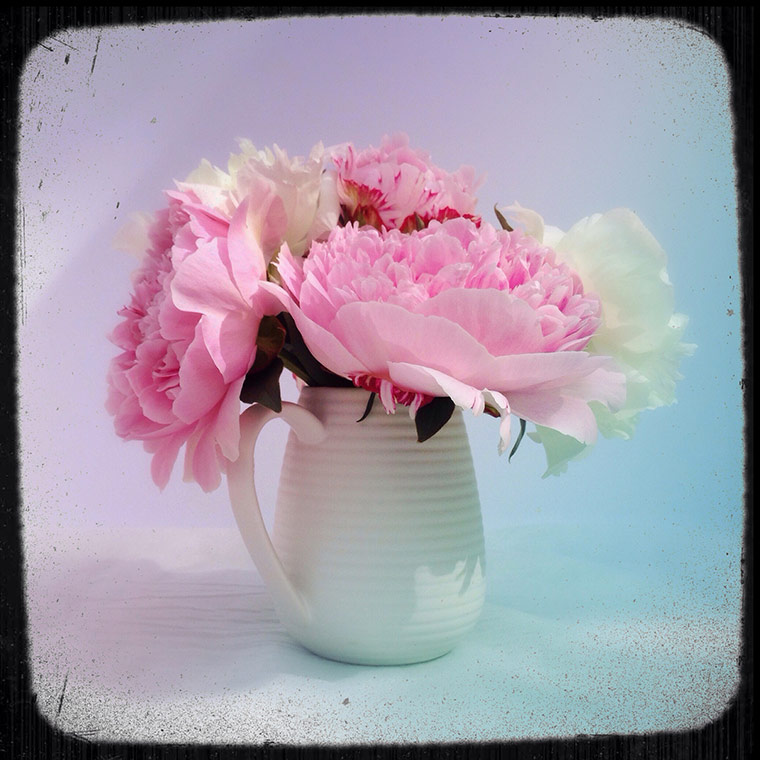
One last thing to note – notice that I have a bouquet of peonies in August? How did I manage that? Well, way back on July 3rd I snipped 5 unopened buds, put them in a bag and left them in the fridge until yesterday. After I cut the ends and put them in water they burst open almost immediately! Way cool!!

So that’s it for me today. Now let’s see what you’ve been up to!

Use any “app” you like and perhaps explain how you used it.

  • Did you use just one? Did you combine apps?
  • Simply create some art. Post it on your blog or Flickr or wherever you are uploading your work, and then come back here and link it up!
  • Visit a few friends to see what they are up to and perhaps learn some fabulous new tips and techniques.
  • Spread the word about the link-up, the more the merrier!
  • Each party will start at 5:00 am on Wednesdays and will stay open until the following Sunday night at midnight.
  • You can now use Instagram to link your images! Way cool! Check the article here. I also added some tips on this post here.

*sorry … this series is closed

Filed Under: Phone Photography Tagged With: creative cloud, photoshop, texture

Friday Finds: Oregano

August 22, 2014 by Barb 20 Comments

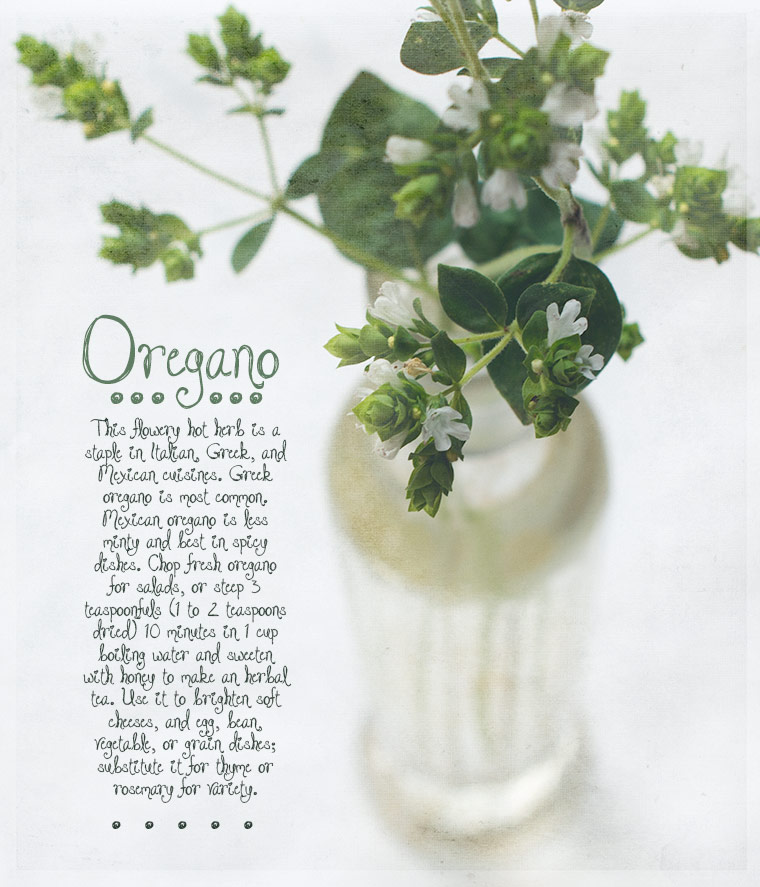
I seem to be drawn to tiny, understated flowers, so when I saw that my oregano was blooming I had to snip a few sprigs to play with.
oregano-copy-2

I think it would make a great bridal bouquet … for an elf …

Friday Finds: Oregano, keeping with the times

The cute font is free and is DJB Jacked Up Kinda Love from our own fontographer, Darcy Baldwin (from Digital Scrapper). You can find her fonts in the shop here, and Darcy can also turn your very own handwriting into a font! Check that out here.

LR Preset: kk_lightandairy

Texture: kk_poetic

Filed Under: Artful Photography, Still Life, Texture Tagged With: flower, friday finds, lightroom, photoshop, texture

“app” happy wednesday #18

August 20, 2014 by Barb 8 Comments

Welcome to “app” happy wednesday #18!

If you’re new to the party, this is a weekly link-up to share your photos edited with “apps” of any kind! Let me stress there are no rules!! Just join the fun and share any kind of artsy creation.

I found this delicate little mushroom in our lawn, it’s about the size of a dime and once again turned to Hipstamatic:

Film: Dylan

Lens: Tinto 1884

Mushroom I and II, "app" happy wednesday, keeping with the times

Film: Blanko

Lens: John S

mushroom2-copy

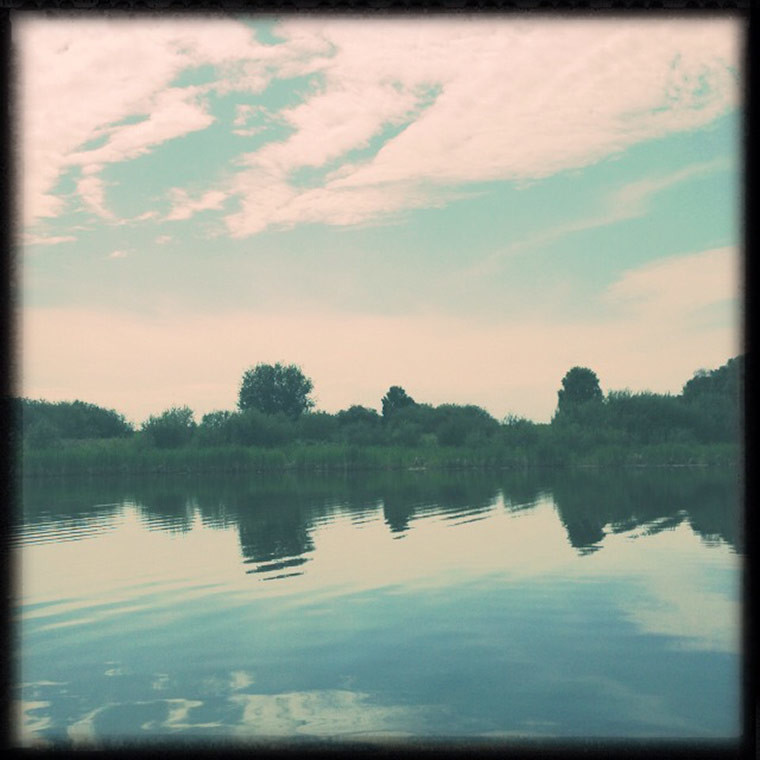
There were about 10 kayaks in our bay last week  and I walked down to see what was going on. Turns out it was a group of women just out and about enjoying the calm waters. I wanted to join them but our kayak has been sitting in the reeds and is full of spiders – yikes! I didn’t feel like kayaking that much …

Film: Dylan

Lens: Tinto 1884

"app" happy wednesday, keeping with the times

Who knew clouds could be this artsy?

"app" happy wednesday, keeping with the times

So that’s it for me today. Now let’s see what you’ve been up to!

Use any “app” you like and perhaps explain how you used it.

  • Did you use just one? Did you combine apps?
  • Simply create some art. Post it on your blog or Flickr or wherever you are uploading your work, and then come back here and link it up!
  • Visit a few friends to see what they are up to and perhaps learn some fabulous new tips and techniques.
  • Spread the word about the link-up, the more the merrier!
  • Each party will start at 5:00 am on Wednesdays and will stay open until the following Sunday night at midnight.
  • You can now use Instagram to link your images! Way cool! Check the article here. I also added some tips on this post here.

*sorry … this series is closed

Filed Under: Phone Photography

Time to Start Thinking About It

August 19, 2014 by Barb 15 Comments

Autumn Whites


Our summer this year was amazing. We had above average temperatures and no violent storms. We had lots of time with our family which we spent out on the lake, having campfires, and just generally hanging out.

Now the sun is rising later and setting earlier … there’s just no getting around it. That’s one of the first signs that things are changing. The leaves are looking tired and so are my flower pots.

I have to admit I’m a bit relieved to have some rain and cooler temps this morning and I plan to do some baking, something I haven’t done for weeks because of the heat.

And as far as blogging goes I feel like I’ve fallen off the grid and must now either step it up or … else …

So I pulled an image out of the archives this morning; something that has become a lot easier since I’ve been working on my LR organization. However, I was watching one of the videos for the 31 Days class and oh.my.heavens … my keywords are a disaster … oh my … but onwards and upwards!

Today I’m posting a creation and that’s what counts! I ran kk_lightandairy_film and then added one layer of kk_quiet on soft light.

Don’t forget “app” happy wednesday tomorrow! I hope to see you there!


Filed Under: Artful Photography, Still Life, Texture Tagged With: lightroom, photoshop, texture

“app” happy wednesday #17

August 13, 2014 by Barb 7 Comments

Welcome to “app” happy wednesday #17!

If you’re new to the party, this is a weekly link-up to share your photos edited with “apps” of any kind! Let me stress there are no rules!! Just join the fun and share any kind of artsy creation.

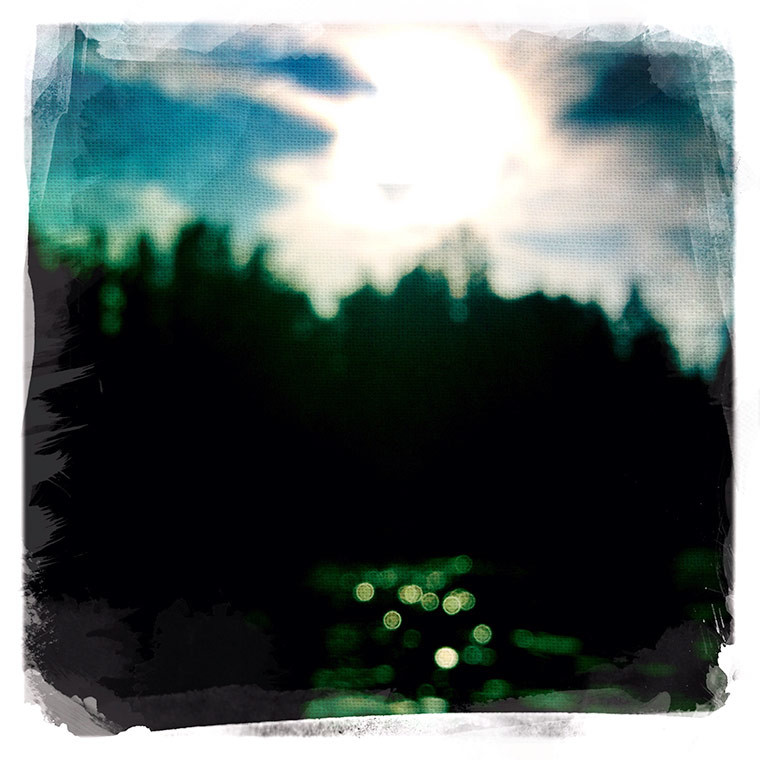
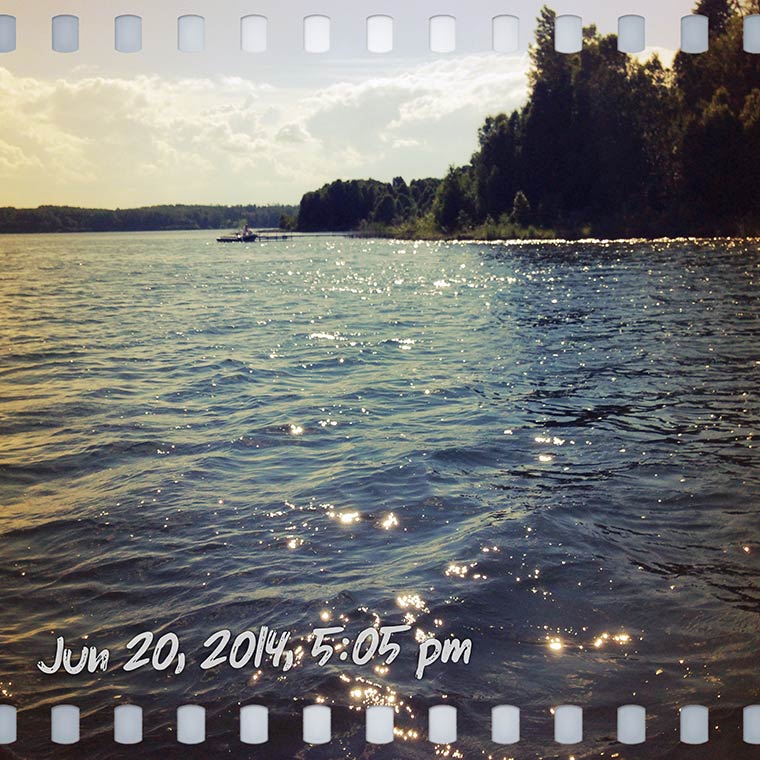
Since I’ve been spending hours and hours on the lake this summer there have been plenty of opportunities for me to capture some pretty awesome sparkling water bokeh!

bokeh, camera+, "app" happy wednesday, keeping with the times

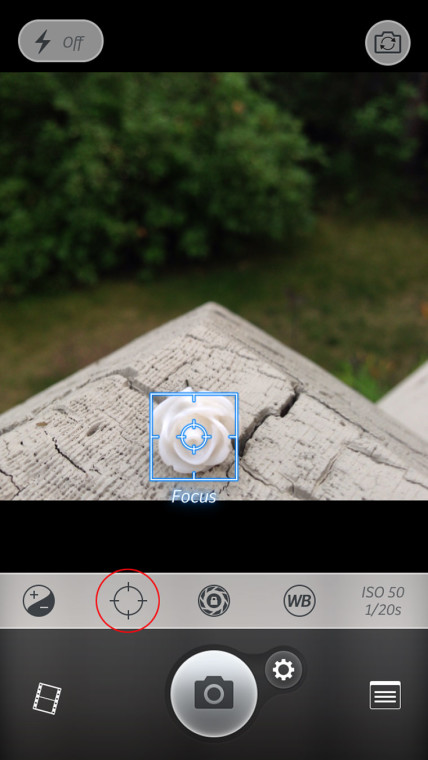
To capture bokeh in Camera+, focus in on a small object by tapping the screen, then touch the Focus Lock (I circled it in red). Lift the camera up and your image should be out of focus and you can capture your bokeh! That’s it!

camera+, focus lock, bokeh, keeping with the times, "app" happy wednesday

If you want, you can read more about my experiences with Camera+ here, and here.

So now, I leave you with some shots of the week that was…

bokeh, camera+, "app" happy wednesday, keeping with the times

bokeh, camera+, "app" happy wednesday, keeping with the times

tubing-copy

IMG_3033-copy

IMG_2874-copy

IMG_2884-copy

IMG_3027-copy

IMG_3210-copy

carrots-copy

bokeh, camera+, "app" happy wednesday, keeping with the times

Just a whole lot of fun and love.

Now I can’t wait to see what you’ve been up to!


Use any “app” you like and perhaps explain how you used it.

  • Did you use just one? Did you combine apps?
  • Simply create some art. Post it on your blog or Flickr or wherever you are uploading your work, and then come back here and link it up!
  • Visit a few friends to see what they are up to and perhaps learn some fabulous new tips and techniques.
  • Spread the word about the link-up, the more the merrier!
  • Each party will start at 5:00 am on Wednesdays and will stay open until the following Sunday night at midnight.
  • You can now use Instagram to link your images! Way cool! Check the article here. I also added some tips on this post here.

*sorry … this series is closed

Filed Under: Phone Photography

Texture Tuesday: Oh What an Inspiration!

August 12, 2014 by Barb 12 Comments

echinops, lightroom, adobe, adobe photoshop, lightroom template, kim klassen

Today is TT and I’m late to the party … but as it turns out, it’s a good thing.

When I read Kim’s post I was so struck by her words “something good is about to happen” …

Those words! So full of promise, anticipation, excitement.

Something good is about to happen!

I don’t really know what she is referring to, but that doesn’t matter. It’s not the point. If I saw these words on my bathroom mirror every morning I’d be so excited to start the day wondering what it could be … Perhaps it’s only that …

  • it’s a most beautiful summer day here
  • the echinops in my garden are glorious
  • I found the best tools and cleaners for my windows which are now beyond sparkling
  • I spent over 30 minutes organizing LR and now my presets are in order
  • I thought of a great new idea for an (autumn) wreath
  • and on and on … who knows? the day is not over.

For today’s image I used kk_melancholy and the font is Arsenale White on Overlay Blend Mode


Don’t forget! tomorrow is “app” happy wednesday!!

Filed Under: Artful Photography, Texture Tagged With: flower, lightroom, photoshop

Square White Space

August 11, 2014 by Barb 12 Comments

Good Monday Morning! What are you having for breakfast?Bowl of Cherries

I’m having white space.

One of our challenges in the Be Still 52 class was to create a still life around a spoon. Once again my love for clean, minimal, and white kicked in.

I took this with my DSLR and I have to tell you that it’s becoming more and more difficult for me to set up for a square image. I’ve become so used to my phone which makes it a breeze because of the option to take a square shot to start with.

So here I first set everything on a 12×12 inch piece of scrapbook paper and then removed it when I was ready to shoot. That helped but it wasn’t perfect. I still had to crop and straighten. Then I had to lighten, brighten, dodge and burn. Oh well, it turned out in the end and I achieved what I was going for.

Thanks for stopping by and have a wonderful day!

Filed Under: Artful Photography, Still Life Tagged With: be still 52 class, lightroom, photoshop

“app” happy wednesday #16

August 6, 2014 by Barb 10 Comments

Welcome to “app” happy wednesday #16!

If you’re new to the party, this is a weekly link-up to share your photos edited with “apps” of any kind! Let me stress there are no rules!! Just join the fun and share any kind of artsy creation.

Once again a week has flown by! How does that happen??

Well, we just returned from another boat ride and as I sit and type this I’m still rockin’ and rollin’ … you know the feeling? when you come in and still feel like your swaying? Well, I guess that’s how the time flies.

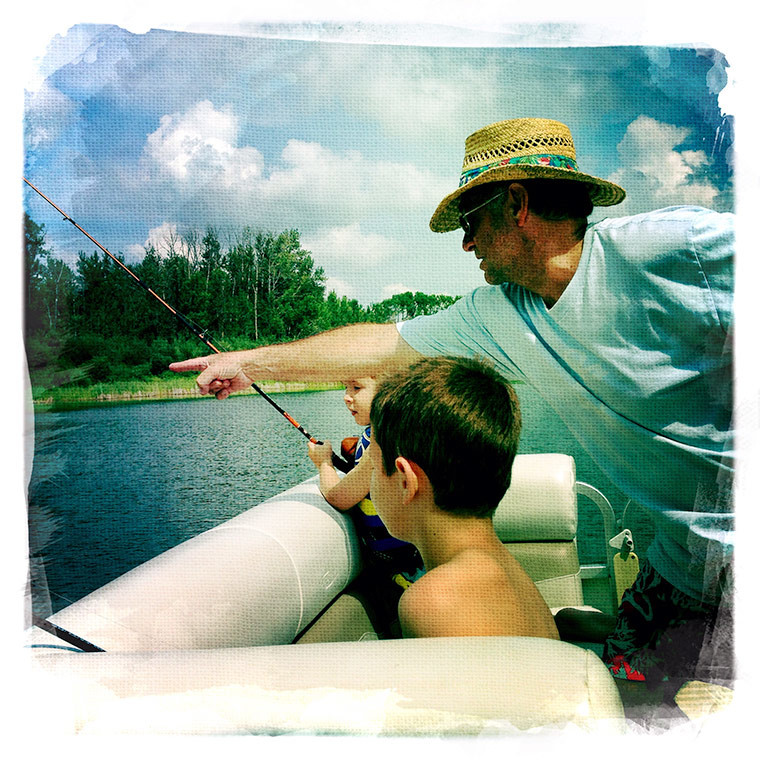
We’ve spent endless hours on the lake; boating, swimming, tubing, touring, and fishing. We’ve been having some wonderful family time this summer and through it all I’ve been snapping photos and tucking them away to be savoured when things slow down.

A couple of days ago I decided to turn to Hipstamatic and let it do the work.

I just don’t have time to play around with editing … I bought the “Groupie SnapPak” so I’d have something new to play with and I love it!! It includes the film “Dylan”, the Pop Rox Flash,and the Adler 9009 Lens. Just to confuse things, I didn’t use the new lens with the following shots, I use a different one.

I’m pretty happy when it when it captures images like these …

"app" happy wednesday, Hipstamatic, Tinto 1884, Dylan

… I seriously adore the focus and blur … but honestly, I’m not sure how it focused in on that duck because I didn’t do that …

hipstalakeview1

Here’s the info on the above two shots. I didn’t use the lens that came with the new Groupie SnapPak, I changed to Tinto 1884 because I was getting some great colour with it.

hipsta info

Then it does this and I kinda have mixed feelings about the light leaks …

"app" happy wednesday, Hipstamatic, Tinto 1884, Dylan

I like this one better:

"app" happy wednesday, Hipstamatic, Tinto 1884, Dylan

So there’s a snippet of what I’ve been up to. I apologize for not being around to visit much lately … summer has taken hold and it won’t let go … but I promise I will return.

Now I can’t wait to see what you’ve been up to!

Use any “app” you like and perhaps explain how you used it.

  • Did you use just one? Did you combine apps?
  • Simply create some art. Post it on your blog or Flickr or wherever you are uploading your work, and then come back here and link it up!
  • Visit a few friends to see what they are up to and perhaps learn some fabulous new tips and techniques.
  • Spread the word about the link-up, the more the merrier!
  • Each party will start at 5:00 am on Wednesdays and will stay open until the following Sunday night at midnight.
  • You can now use Instagram to link your images! Way cool! Check the article here. I also added some tips on this post here.

*sorry … this series is closed

Filed Under: Phone Photography Tagged With: hipstamatic

Ahhh, the Stillness …

July 31, 2014 by Barb 17 Comments

From the Potting Bench, keeping with the times, from above

Last night I was taking a look at the Be Still 52 assignment for Week 11. Talk about perfect timing! I’ve had a very busy 10 days with three of my grandchildren visiting and I’ve loved every moment of it.

But this morning suddenly, I am all alone …

So I had time to think … what does stillness look like to me?

Well, it’s a quiet cup of coffee all by myself. Looking out the window. It’s being able to concentrate on one thing at a time (ahem … it getting harder to multi-task as I age) and so when I have the grands, it’s all about them. I don’t go trying to set up a photo shoot, it just does not work for me. Plus I want to be present for them.

But today! ah the freedom!!

It wasn’t long until I wandered out into the garden. Then I found myself at the potting bench with a handful of flowers and berries, excited to set up a little vignette. These potting bench vignettes take time: I create an arrangement I think will work, then I have to run up the stairs to look down on it, and then back down the stairs to rearrange, then back up, then back down … I can do this 10 times before I’m satisfied.

This morning I had a couple of prompts from IG that I was trying to incorporate. One was “vantage point” and the other was “shapes”. I’m quite pleased with the results. I took the photo with my phone since it’s the easiest and today it’s all about easy …

Now it’s time to head out for the day. I have places to go, things to do (no people to see) and I’m quite sure I’ll be taking a few side trips down country roads. I hope I “find” something to share with you tomorrow. Until then, have a creative day!


Filed Under: Phone Photography

“app” happy wednesday #15

July 30, 2014 by Barb 13 Comments

Welcome to “app” happy wednesday #15!

If you’re new to the party, this is a weekly link-up to share your photos edited with “apps” of any kind! Let me stress there are no rules!! Just join the fun and share any kind of artsy creation!

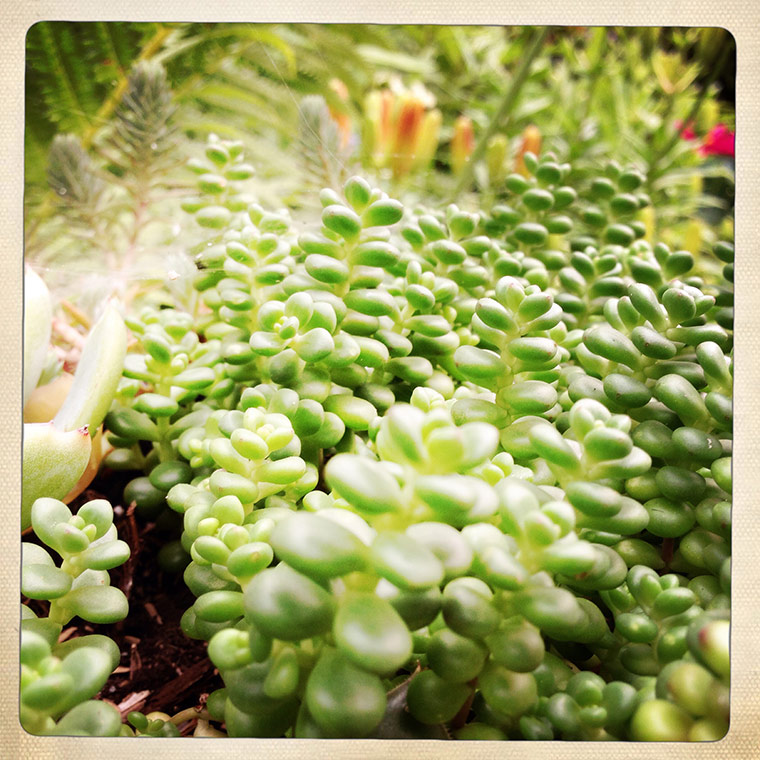
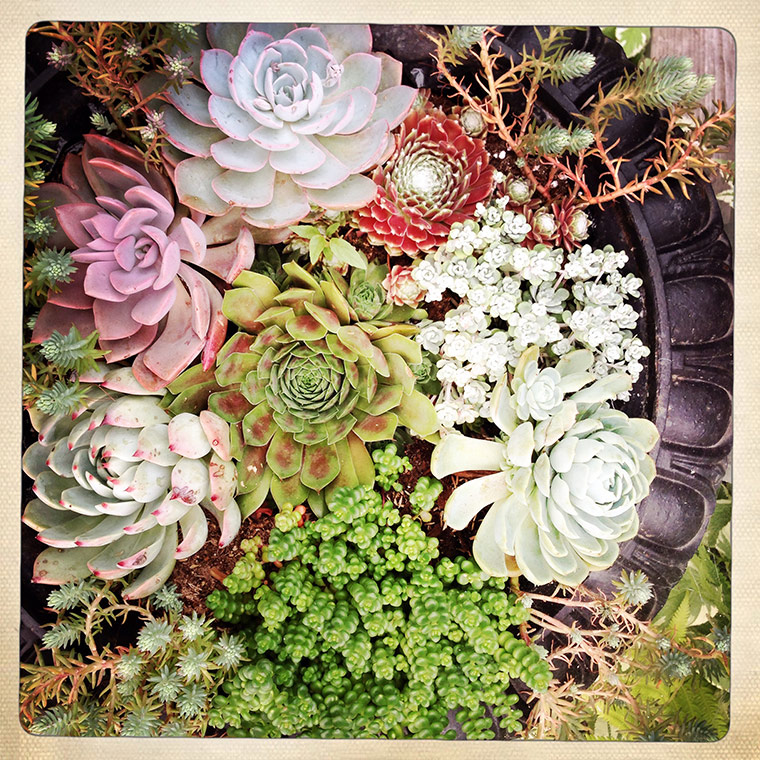
Well, its summer. The middle of summer, and tonight I’ve run out of time … so I’m simply going to share some of my garden shots; most taken with Hipstamatic.

I have a little creation in the works and hope to share that later in August when things slow down a bit.

So for today, I present My Garden (caution – serious photo dump)!

"app" happy wednesday

su-copy

succulent2JPG-copy

succulent3-copy

garden1-copy

coleus-copy

"app" happy wednesday, keeping with the times

IMG_2538-Edit-copy

IMG_2527-Edit-copy

IMG_2510-Edit-copy

IMG_2507-Edit-copy

IMG_2306-Edit-copy

IMG_2189-Edit-copy

IMG_2334-Edit-copy

IMG_2116-Edit-copy

IMG_2340-Edit-copy

I can’t wait to see what you’ve been up to!

Use any “app” you like and perhaps explain how you used it.

  • Did you use just one? Did you combine apps?
  • Simply create some art. Post it on your blog or Flickr or wherever you are uploading your work, and then come back here and link it up!
  • Visit a few friends to see what they are up to and perhaps learn some fabulous new tips and techniques.
  • Spread the word about the link-up, the more the merrier!
  • Each party will start at 5:00 am on Wednesdays and will stay open until the following Sunday night at midnight.
  • You can now use Instagram to link your images! Way cool! Check the article here. I also added some tips on this post here.

*sorry … this series is closed

Filed Under: Phone Photography Tagged With: hipstamatic

Texture Tuesday: Daisy-a-Day

July 29, 2014 by Barb 14 Comments

daisy, still life, texture tuesday, keeping with the times

kk_way

Oh my, July is whizzing by … as I spend beautiful day after beautiful day with grandkids on the lake or in the yard as they play, I make sure to say a little thank you every day for all my blessings.

lake fun 2014

Here’s my day yesterday:

6:00 am – greeted my youngest grandson (said a little thank you inside) … gave him breakfast and set him up in front of the TV (yes I did).

6:00 – 8:00 I wrote a tutorial. Yes. I wrote a tutorial! Sometimes you just gotta do what you just gotta do.

8:00 – greeted my two older grandchildren (said a little thank you inside) … and then helped hubby prepare breakfast for all.

Spent some time washing their clothes and towels, then made lunch to take out onto the boat. We were out on the lake from 12:30 – 3:30.

lake-fun1-copy

When we came in hubby and I spent the next couple of hours in the yard while they splashed around in the pool.

Hubby lit a fire and we roasted hot dogs and then s’mores. When I glanced over at the youngest grandson I could see he was staring straight ahead with s’mores all over his face. He was zoned out, but blissful.

I took him in, gave him a bath and put him to bed (he actually asked to go …).

At 8:00 I took some Ibuprofen and laid down on the sofa with my iPad and proceeded to watch a marathon of LR-Begin classes. I’m so behind but I really want to get this one finished – it’s bursting with info.

Took a little break and helped the other two fold their clothes and get ready for bed.

Then I went back to LR-Begin. I remember drifting off a few times … I hope I was at least getting subliminal messages …

lake fun 2014

See you tomorrow at “app” happy wednesday!

Filed Under: Artful Photography, Still Life, Texture Tagged With: flower, texture

“app” happy wednesday #14

July 23, 2014 by Barb 13 Comments

Welcome to “app” happy wednesday #14! If you’re new to the party, this is a weekly link-up to share your photos edited with “apps” of any kind!

Let me stress there are no rules!! Just join the fun and share any kind of artsy creation!

I’m participating in the Big Picture Classes Phone Photography Project. I really enjoy this one for some reason … I’ve met a lot of new IG’rs through it.

Yesterday the prompt was #lines so I had my eyes open, hoping to capture something close to home since I do have 3 grands visiting and have to be efficient!

This chair sitting in our bedroom never has anything piled on it (ahem … just kidding) well, at  least this morning it didn’t. I immediately saw all the lines! Not sure I would have if I hadn’t been paying attention. What I am usually aware of is the sun when it shines through the blinds because it very rarely does so. Only for a few minutes during the summer does it ever grace this room.

Of course I bumped up the colour and light!

"app" happy wednesday, big picture class, phone photography project, keeping with the times, picsplay pro, distressed fx, pstouchI used Distressed FX “Finch” to warm it up and then the “Tailfins” filter found in Camera+ to add the sun rays you see in the above photo. I then desaturated the final image just a touch.

"app" happy wednesday, big picture class, phone photography project, keeping with the times, picsplay pro, distressed fx, pstouch

That’s it! Now let’s see what you’ve been up to!

Use any “app” you like and perhaps explain how you used it.

  • Did you use just one? Did you combine apps?
  • Simply create some art. Post it on your blog or Flickr or wherever you are uploading your work, and then come back here and link it up!
  • Visit a few friends to see what they are up to and perhaps learn some fabulous new tips and techniques.
  • Spread the word about the link-up, the more the merrier!
  • Each party will start at 5:00 am on Wednesdays and will stay open until the following Sunday night at midnight.
  • You can now use Instagram to link your images! Way cool! Check the article here. I also added some tips on this post here.

*sorry … this series is closed

Filed Under: Phone Photography Tagged With: camera+, picsplaypro

“app” happy wednesday #13

July 16, 2014 by Barb 16 Comments

Welcome to “app” happy wednesday #13! If you’re new to the party, this is a weekly link-up to share your photos edited with “apps” of any kind!

Let me stress there are no rules!! Just join the fun and share any kind of artsy creation!

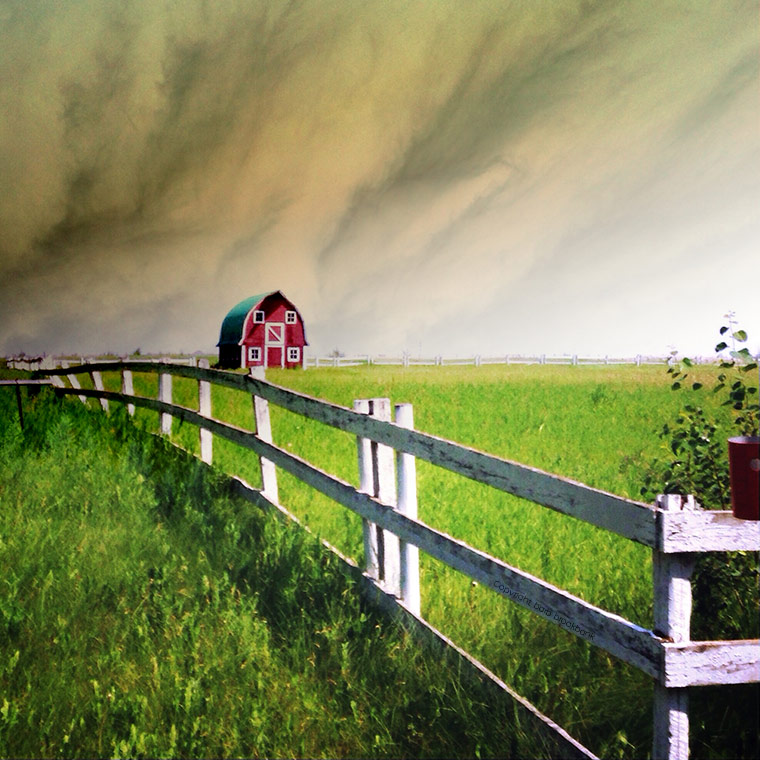
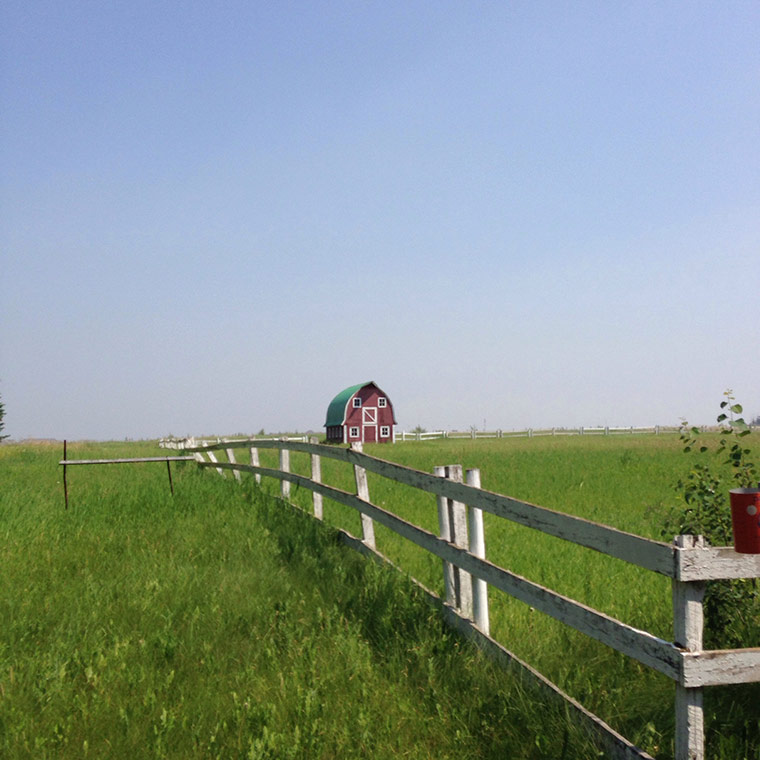
As I was driving home from “town” the other day I took a detour down a country road that I had never been on. I was lured by a bright yellow canola field but ended up finding quite a bit more than I was expecting. This tiny barn caught my eye but it was the white fence that drew me in. Oh the leading lines (to die for!) I loved that it was white, chippy, and best of all, falling over!

After a few edits, this is what I ended up with … Dorothy, can you hear me?

"app" happy wednesday, keeping with the times, iPhoneography, Bob Weil, camera+, picsplaypro

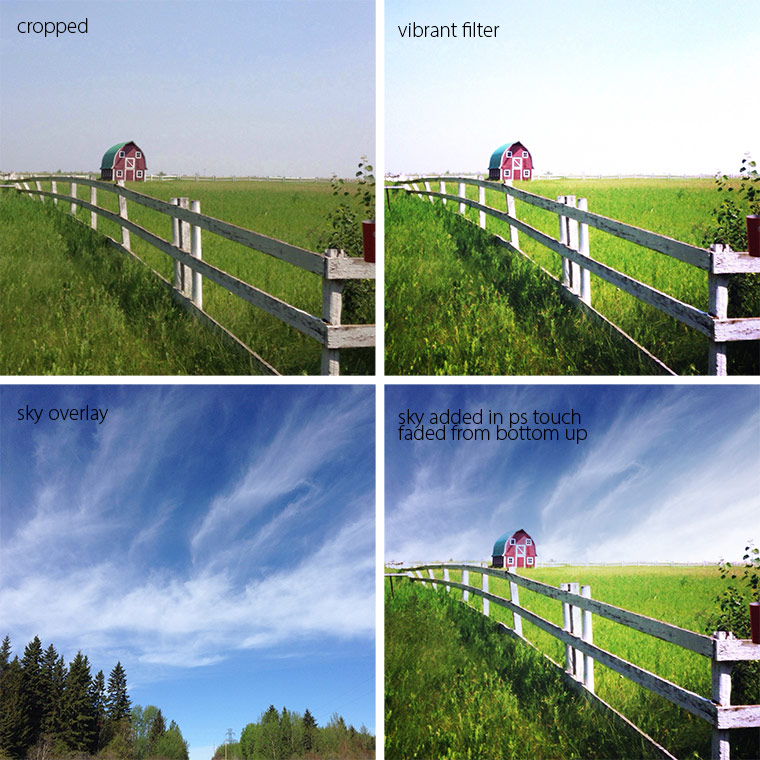
Here’s a step-by-step of my edits:

"app" happy wednesday, little stormy barn, keeping with the times, iPhoneography, Bob Weil

Original

"app" happy wednesday, little stormy barn, keeping with the times, iPhoneography, Bob Weil

When I changed the Blend Mode of the sky to Subtract it was instant magic (crazy stuff!)

"app" happy wednesday, little stormy barn, keeping with the times, iPhoneography, Bob Weil

I want to mention that I take photos of cloudy skies and have them in a folder on the Camera Roll (stuff like that comes in very handy!)

And there you have it! That’s it!

Now let’s see what you’ve been up to!

Use any “app” you like and perhaps explain how you used it.

  • Did you use just one? Did you combine apps?
  • Simply create some art. Post it on your blog or Flickr or wherever you are uploading your work, and then come back here and link it up!
  • Visit a few friends to see what they are up to and perhaps learn some fabulous new tips and techniques.
  • Spread the word about the link-up, the more the merrier!
  • Each party will start at 5:00 am on Wednesdays and will stay open until the following Sunday night at midnight.
  • You can now use Instagram to link your images! Way cool! Check the article here. I also added some tips on this post here.

*sorry … this series is closed

Filed Under: Phone Photography Tagged With: camera+, picsplaypro

“app” happy wednesday #12

July 9, 2014 by Barb 7 Comments

Welcome to “app” happy wednesday #12! If you’re new to the party, this is a weekly link-up to share your photos edited with “apps” of any kind! Let me stress there are no rules!! Just  join in the fun and share any kind of artsy creation! There are even no rules for me as today I don’t have any exciting edits to share. However, if you missed it, I’ve been reviewing Camera+ for the last few weeks and you can find some info here and here.

I’ve been posting a lot of images of my peonies, and today I have a shocking pink and black version to share. Quite the difference from yesterday’s post Texture Tuesday: Reflecting!

However, that’s the beauty of this passion. You don’t have to be trying to make perfect art every single day. Sometimes a girl just wants to have fun, ya know?
"app" happy wednesday, keeping with the times, camera+, mextures

And sometimes a girl is just tired. I got out of bed way too early yesterday morning (4:00 ish …) had coffee, did some work, went for a walk, and then did some more work. At about 2:00 pm I found myself on the couch “reading” until 4:00 pm …  at which point I got up and made a light dinner and then proceeded to make my way back to the couch. It’s been hot here at 28C which I’m just not used to and we don’t have air conditioning for the 5 days a year we might use it. Don’t get me wrong, lots of people have air – we just don’t. I prefer to lounge on a couch like a lout with a couple of fans blowing on me.

So there you have it! I shot my photo with Camera+ and then edited it in Mextures.

Now let’s see what you’ve been up to!

Use any “app” you like and perhaps explain how you used it.

  • Did you use just one? Did you combine apps?
  • Simply create some art. Post it on your blog or Flickr or wherever you are uploading your work, and then come back here and link it up!
  • Visit a few friends to see what they are up to and perhaps learn some fabulous new tips and techniques.
  • Spread the word about the link-up, the more the merrier!
  • Each party will start at 5:00 am on Wednesdays and will stay open until the following Sunday night at midnight.
  • *NEW* and exciting news! you can now use Instagram to link your images! Way cool! Check the article here. I also added some tips on this post here.

*sorry … this series is closed

Filed Under: Phone Photography Tagged With: camera+, mextures

Texture Tuesday: Reflecting

July 8, 2014 by Barb 18 Comments

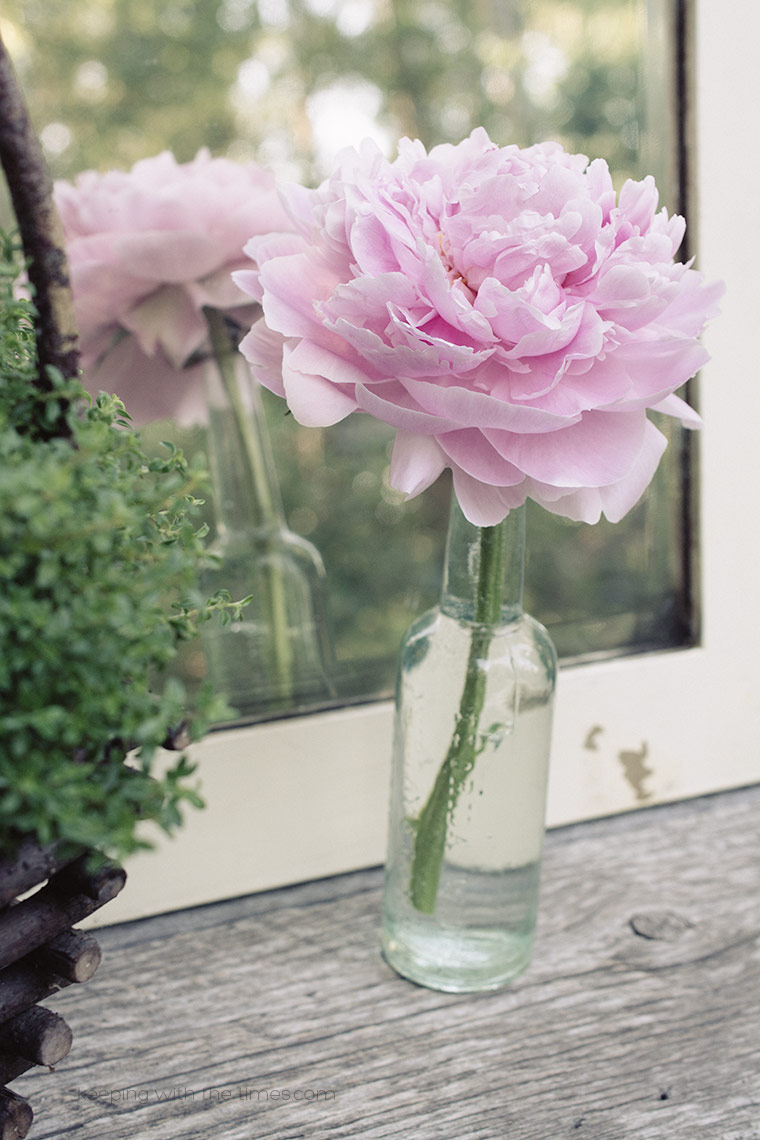
Good morning! The peonies are producing like crazy and I have light pink, dark pink and white ones vying for attention.

Today I have a single light pink blossom to share with you. I’m cheating … I know it’s Texture Tuesday but with all the lr presets that Kim has provided in the Be Still 52 class … I cannot stop playing …

I used kk_oldendays on these … sigh …
Peony Mirror Still Life, Keeping With the Times

Peony Mirror Still Life, Keeping With the Times

Peony Mirror Still Life, Keeping With the Times

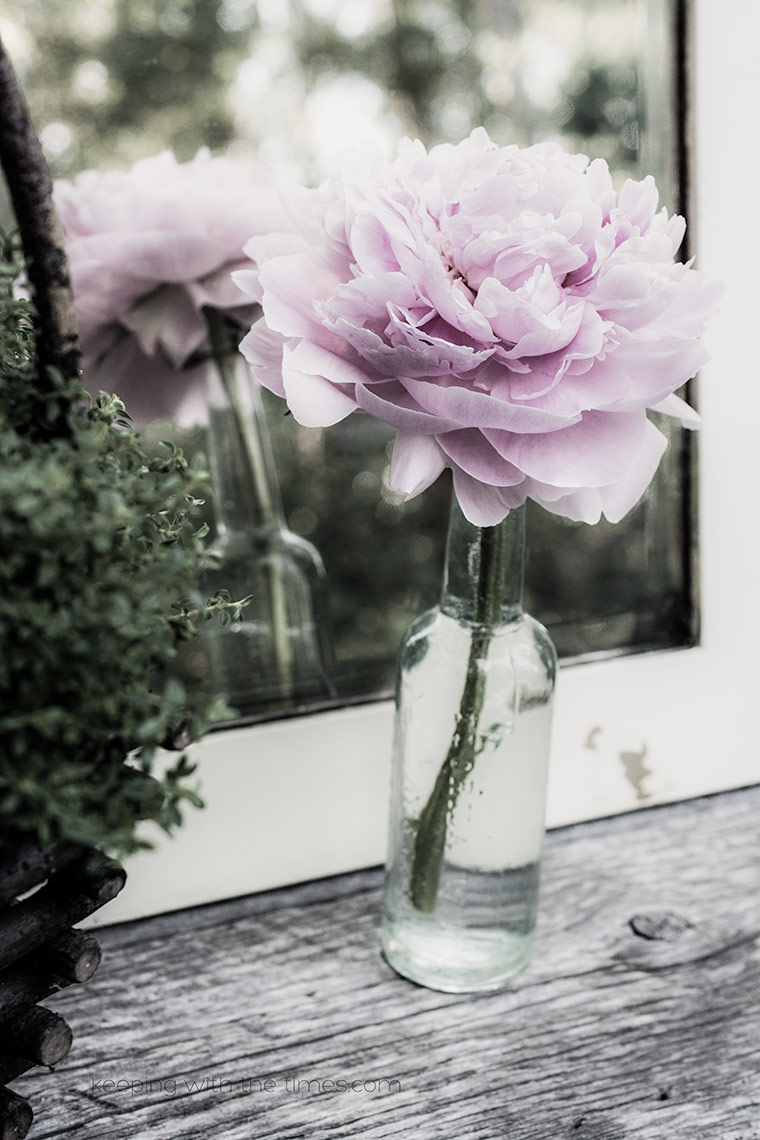
… and be still my heart palpitations … I applied kk_darkmood and reduced the clarity from 57 to -44.

Peony Mirror Still Life, Keeping With the Times

… good heavens, I can’t decide! here it is with the clarity at 57 … which do you prefer?

Peony Mirror Still Life, Keeping With the Times

Oh my … you are getting off easy today. I could post 15 of these but I’m going to restrain myself and save some for a rainy day.

Happy TT!

Filed Under: Artful Photography, Texture Tagged With: be still 52 class, flower, lightroom, photoshop

“app” happy Wednesday #11

July 2, 2014 by Barb 11 Comments

Welcome to “app” happy wednesday #11! If you’re new to the party, this is a weekly link-up to share your photos edited with “apps” of course!

I’ve been playing with Camera+ and today I share how I save my images.

When I’m out and about taking photos I may take upwards of 20 shots of the same thing so I prefer to save to Lightbox only. With this option I decide which photos get saved to the Camera Roll and when. Sounds great, right? The Camera Roll does not get clogged up with tons of bad shots.

Unfortunately there is a rather large drawback to this method. The moment you save a photo to the Camera Roll from Camera+ it is immediately deleted from Lightbox. Poof!

If you made any edits the original is gone, gone, gone. Not good. To get around this I choose which I think is the best photo, save the original to the Camera Roll, and then import it back into Lightbox to edit and add filters, etc.

That works OK for me but I really don’t think it’s the slickest workflow. Before saving the image you have access to all the info from when it was shot to every single edit you made to it, but once saved, all this info vanishes too (boo).

Another option is to “Share” the image (at any stage) to another app such as PicsPlayPro and save it from there. This way the original stays put in Camera+ along with all the editing info.

Oh, and by gosh! don’t hit “Save All” by accident … ask me how I know.

"app" happy wednesday, camera+ review, keeping with the times

All this info is available until the image is saved to the Camera Roll:

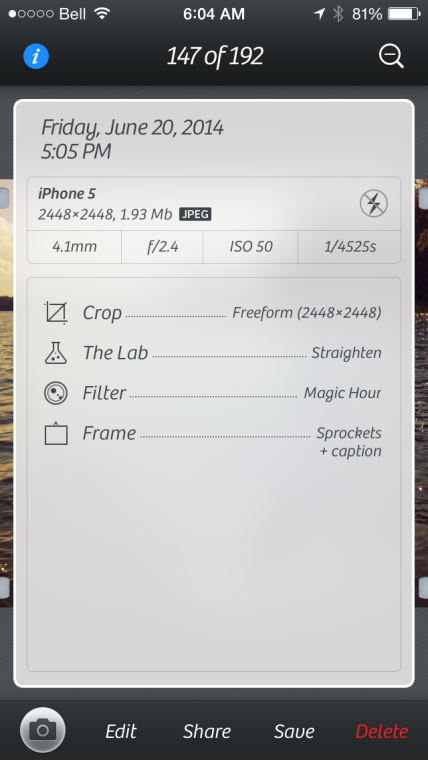
"app" happy wednesday, camera+ review, keeping with the times


Pros:

  • Sharp, clear images.
  • Great editing tools.
  • Access to all photo info including edits.
  • Saving to Lightbox first keeps the Camera Roll clean.
  • Option to “Share” with another app to continue editing and saving.
  • Photos shot on the iPhone automatically get synced to Lightbox on the iPad (and yes I got an iPad—squeeeee!!)

Cons:

  • Photo is permanently deleted from Lightbox once it is saved to the Camera Roll, along with all editing info.

So there you have it! That’s it for Camera+. Time to move on …

"app" happy wednesday, camera+ review, keeping with the times

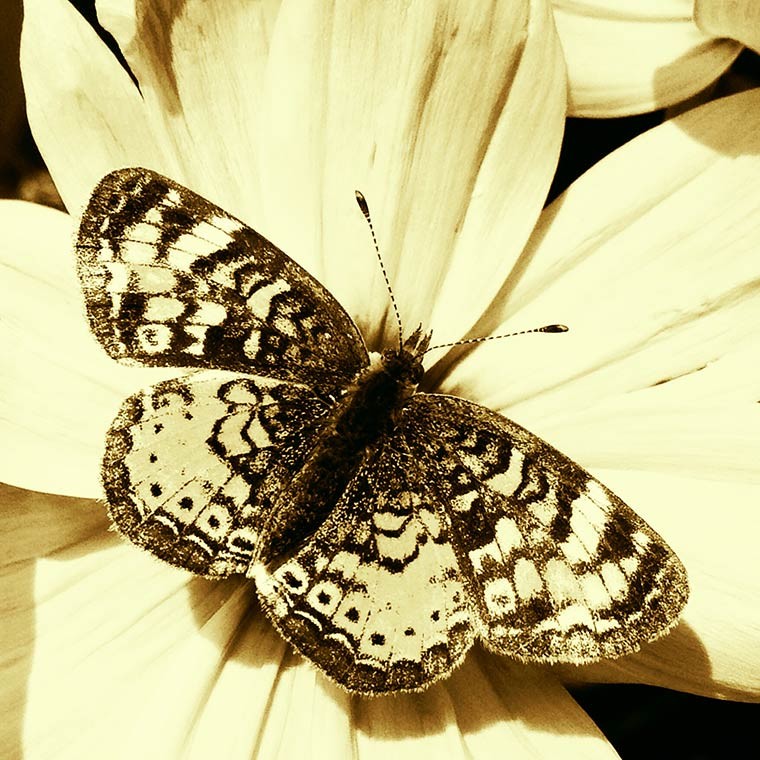
butterflycamera+-copy

Now let’s see what you’ve been up to!

Use any “app” you like and perhaps explain how you used it.

  • Did you use just one? Did you combine apps?
  • Simply create some art. Post it on your blog or Flickr or wherever you are uploading your work, and then come back here and link it up!
  • Visit a few friends to see what they are up to and perhaps learn some fabulous new tips and techniques.
  • Spread the word about the link-up, the more the merrier!
  • Each party will start at 5:00 am on Wednesdays and will stay open until the following Sunday night at midnight.
  • *NEW* and exciting news! you can now use Instagram to link your images! Way cool! Check the article here. I also added some tips on this post here.

*sorry … this series is closed

Filed Under: Phone Photography Tagged With: camera+

Texture Tuesday: Anemone Flashback

July 1, 2014 by Barb 14 Comments

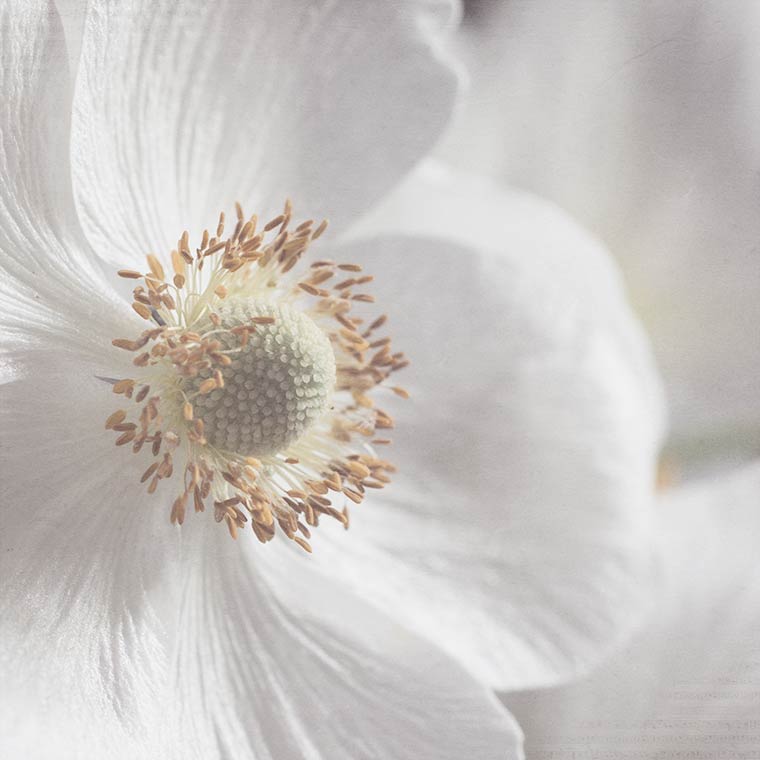
Texture Tuesday, keeping with the times

Just popping in to say hi! and happy TT! Today is Canada Day, so Happy Canada Day to all my fellow Canadians!

We’ve had such a fun holiday visiting with family. Our oldest daughter and her family have been here since Friday. Today they are heading home … so sad … already can’t wait for next time … .

Have a wonderful day and I hope to see you tomorrow at “app” happy wednesday!

kk_awaken
LR Preset Melancholy at 25%

Filed Under: Artful Photography, Texture Tagged With: flower, lightroom, photoshop, texture

Friday Finds: A Quiet Moment

June 27, 2014 by Barb 17 Comments

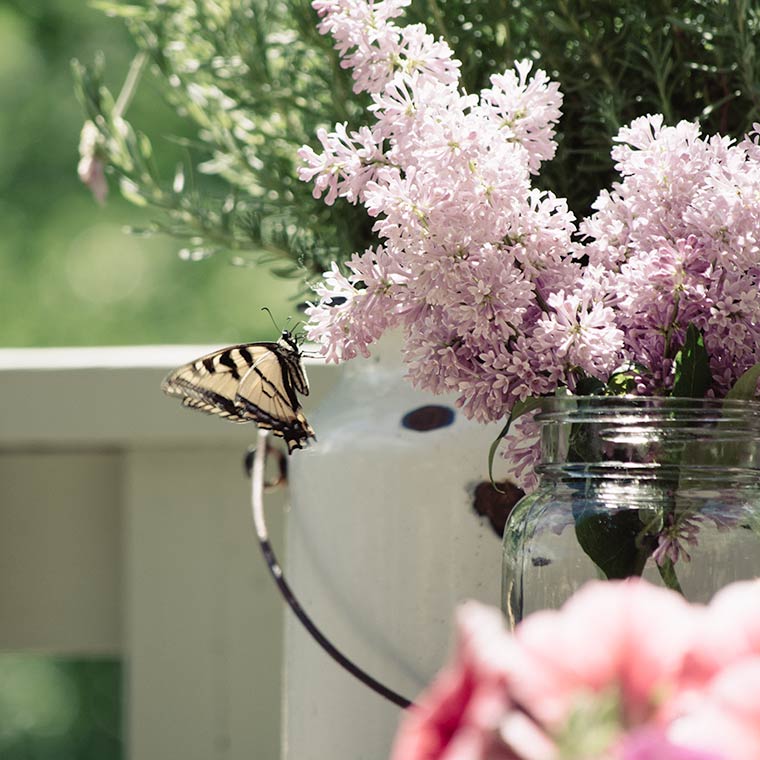
Friday Finds: Butterfly and Lilacs, keeping with the times

I had planned to write a rather large post to take you on a tour through my garden but somehow the day got away on me. It’s the Canada Day long weekend coming up and we’re looking forward to some quality family time. The house is clean, the beds are made, and the bathrooms are sparkling. I have steaks marinating in the freezer, hamburgers ready, and pies in the works.

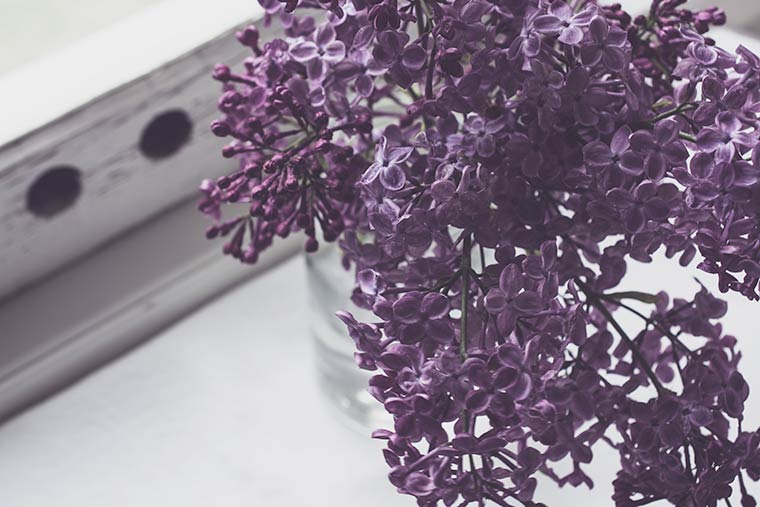
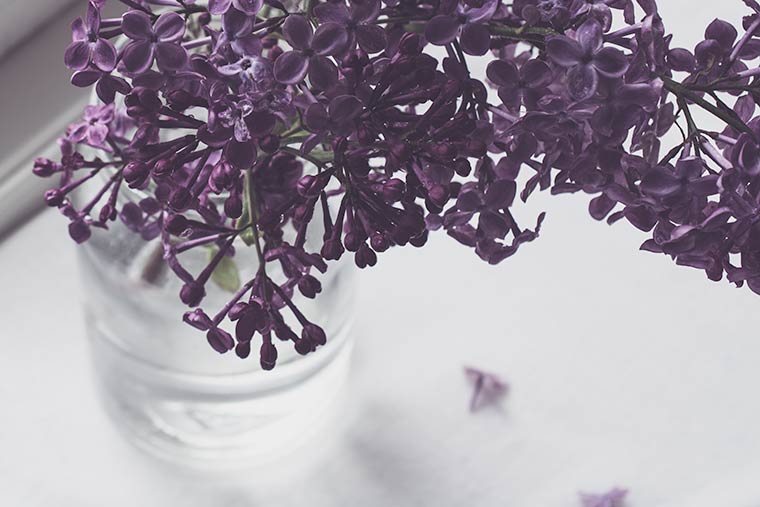
Between all the preparations I took a minute and sat down with a glass of ice cold water, camera in hand, and waited for that elusive butterfly that had been taunting me all morning. It had been flitting through the yard and around my head and not once did it land anywhere near me. So I set out some bait: a jar full of lilacs. I knew it could not resist and sooner or later I would “capture” it. And yes, well the rest is history.

I edited this in Lightroom with one of Kim’s presets (kk_oldendays) … a click of a button and magic happens.

Happy Canada Day to all my Canadian friends! I’ll see everyone next week or you can find me on Instagram if you’re interested in our weekend shenanigans!


Filed Under: Artful Photography Tagged With: friday finds, lightroom, photoshop

“app” happy wednesday #10

June 25, 2014 by Barb 15 Comments

Welcome to “app” happy wednesday #10! If you’re new to the party, this is a weekly link-up to share your photos edited with “apps” of course!

Last week I discussed how I use Camera+.

I’m really liking what it can do to/for my photos but I have yet to work out the kinks on how best to save my images. That’s my goal for the next few days – and I’ll report back next Wednesday (it’s been a bit rocky).

So for today, I present you with the sum total of all my hydrangeas…

"app" happy wednesday, keeping with the times

The image was shot and edited with Camera+.

I used the “Fashion” filter and added the Light Mat frame.

Be Still 52 Class

Day 5: Side Light

Now let’s see what you’ve been up to!

Use any “app” you like and perhaps explain how you used it.

  • Did you use just one? Did you combine apps?
  • Simply create some art. Post it on your blog or Flickr or wherever you are uploading your work, and then come back here and link it up!
  • Visit a few friends to see what they are up to and perhaps learn some fabulous new tips and techniques.
  • Spread the word about the link-up, the more the merrier!
  • Each party will start at 5:00 am on Wednesdays and will stay open until the following Sunday night at midnight.
  • *NEW* and exciting news! you can now use Instagram to link your images! Way cool! Check out the article here. I also added some tips on this post here.

*sorry … this series is closed

Filed Under: Phone Photography Tagged With: be still 52 class, camera+

Melancholy Lilac III

June 24, 2014 by Barb 21 Comments

Melancholy Lilac III, Texture Tuesday, Keeping With the Times

As one lilac shrub finishes blooming, I have another one just starting. I’m afraid the melancholy days may not be over … .

kk_greyday

kk_melancholy lr preset

Filed Under: Artful Photography, Texture Tagged With: lightroom, photoshop, texture

Friday Finds: and Happy Summer Solstice

June 20, 2014 by Barb 18 Comments

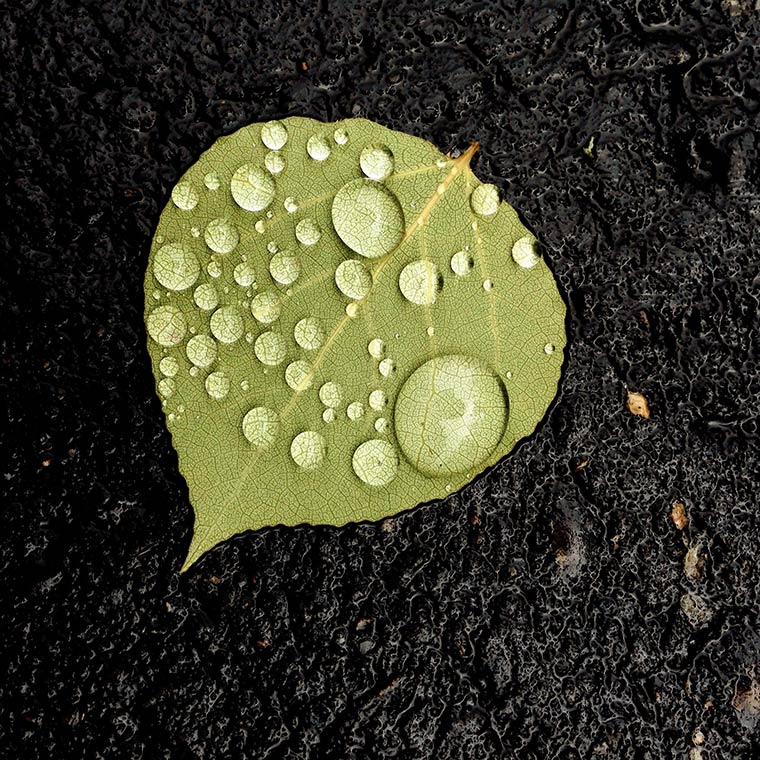
It’s been another busy week and I’m always astounded to realize that it’s time for Friday Finds. I found many things this week; this leaf, for example.

We had a lovely, soft, steady rain and there were droplets everywhere.

Friday Finds

The Alberta Rose is blooming. There are not very many this year and I’ve noticed that a lot of the shrubs have died off …

alberta-rose-copy

I love hanging flower pots …

flower-pot-copy

and the new leaves of Bishops Hat …

bishops-hat-leaves-copy

and the spent parts of the Alberta rose …

spent-rose-copy

alliums and sunshine …

Allium

Hollywood Dreamstate alliums …

Allium

Have a wonderful weekend and a happy Summer Solstice!

Filed Under: Artful Photography Tagged With: friday finds

“app” happy wednesday #9

June 18, 2014 by Barb 19 Comments

Welcome to “app” happy wednesday #9! If you’re new to the party, this is a weekly link-up to share your photos edited with “apps” of course!

What camera do you prefer when shooting with your phone? For the last couple of months I’ve been using Camera+ but I certainly had not been using it to its full potential. I would snap a photo and then immediately take it into PicsPlayPro for editing. Well, all that has changed. I’m sure some of you already know a lot about Camera+ but I thought I’d share a bit about my new workflow.

  • My goal with Camera+ is to first capture the sharpest, best quality image possible and I think it’s a great camera to achieve that goal.
  • I set the shooting mode to square because I almost always end up cropping my photos into a square anyway. This has had the bonus effect of making me mindful of the scene and taking the time to consider the composition.
  • Decide where you want to save your images: Lightbox or Camera Roll or Lightbox and Camera Roll. Each has its advantages/disadvantages. Make sure to explore this completely.
  • There are three options for Quality: High, Normal, and Optimized. When choosing a size, it really depends on what you want to use the photo for. I go back and forth between Optimized and Normal.
  • I’ve read that a person should never ever use the zoom function on phones, but I’ve been experimenting with it in Camera+ and it works amazingly well.
  • There are lots of editing options from sharpening and/or blurring to adjusting brightness & contrast. You’ll also find lots of filters and cool frames.

I accidentally broke this begonia flower off while watering my plants. Serendipity! Since it was so bright and crisp I did not make any adjustments. I simply added the “Offset” frame because it had a pink edge and I loved the coloured dots at the bottom. Again, serendipity! "app" happy wednesday, keeping with the times, camera+ Then I decided to try using my Olloclip to capture the centre. There are no adjustments made to this shot. "app" happy wednesday, keeping with the times, camera+

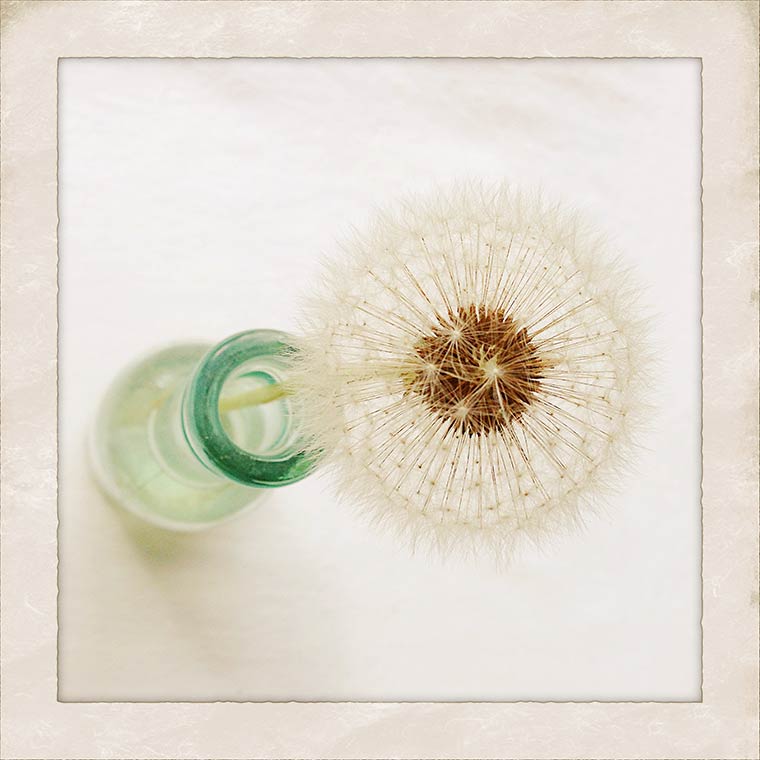
My dandelion with the “Sunkiss’d” filter and the “Vintage” frame.

"app" happy wednesday, keeping with the times, instagram

I got carried away playing around with the filters and when I went to save this image, alas… it was a demo. So yes, I purchased the Hollywood set … they get you every time.

"app" happy wednesday, keeping with the times, camera+

So there you have it. I think Camera+ is a great tool. Of course it doesn’t do everything and that’s why there are hundreds of apps out there to take your photos even further!

Now let’s see what you’ve been up to!

Use any “app” you like and perhaps explain how you used it.

  • Did you use just one? Did you combine apps?
  • Simply create some art. Post it on your blog or Flickr or wherever you are uploading your work, and then come back here and link it up!
  • Visit a few friends to see what they are up to and perhaps learn some fabulous new tips and techniques.
  • Spread the word about the link-up, the more the merrier!
  • Each party will start at 5:00 am on Wednesdays and will stay open until the following Sunday night at midnight.
  • *NEW* and exciting news! you can now use Instagram to link your images! Way cool! Check out the article here. I also added some tips on this post here.

*sorry … this series is closed

Filed Under: Phone Photography Tagged With: camera+

Melancholy Lilacs II

June 17, 2014 by Barb 22 Comments

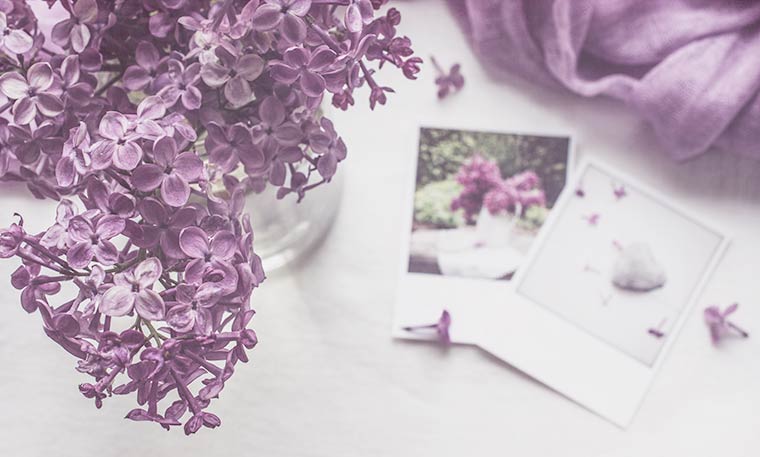
Today my still life blends lilacs present with lilacs past.

A fresh bouquet rests on a white tea towel while photos from last spring and a soft mauve scarf draw the eye through the image.

Lilac Still Life, Keeping With the Times

Melancholy-Lilac-with-Scarf1-copyAlthough the end is near, the shrubs still have blooms and even as they droop and fade their scent gets stronger and sweeter. Now there are swarms of swallowtail butterflies and hummingbird moths (hemaris thysbe) and bees and wasps all trying to gather up every single drop of nectar before it’s gone.

The parade of blooms continues in my garden. As the lilacs and anemones near their end, I watch closely as the peony buds double in size on a daily basis and the perennial poppies ready themselves to burst open. New growth and life is everywhere and some days I hardly know where to start. I do know that if I don’t move quickly the moment will pass. But some moments will pass and I’m good with that. Some moments are simply meant to be savoured, not saved.

Be Still 52 Class

Day 4: Make it Happen

kk_melancholy LR Preset

Texture: Cora/Soft Light 50%

Filed Under: Still Life Tagged With: be still 52 class, flower, lightroom, lilacs, photoshop, texture

“app” happy wednesday #8

June 11, 2014 by Barb 24 Comments

Welcome to “app” happy wednesday #8!

If you’re new to the party, this is a weekly link-up to share your photos edited with “apps” of course!

  • Use any “app” you like and perhaps explain how you used it.
  • Did you use just one? Did you combine apps?
  • Simply create some art. Post it on your blog or Flickr or wherever you are uploading your work, and then come back here and link it up!
  • Visit a few friends to see what they are up to and perhaps learn some fabulous new tips and techniques.
  • Spread the word about the link-up, the more the merrier!
  • Each party will start at 5:00 am on Wednesdays and will stay open until the following Sunday night at midnight.


My apologies! I am so over-tired tonight I haven’t got enough energy or brain power to come up with anything more exciting than my “Percolator” shots this week. I can’t even get the “mouseover” to work so I’m just showing both before and after versions … arghhh … do you ever get that tired at night? Anyway… here’s my image of some power lines after I ran it through Percolator …

"app" happy wednesday

and here it is before – how fun!

"app" happy wednesday

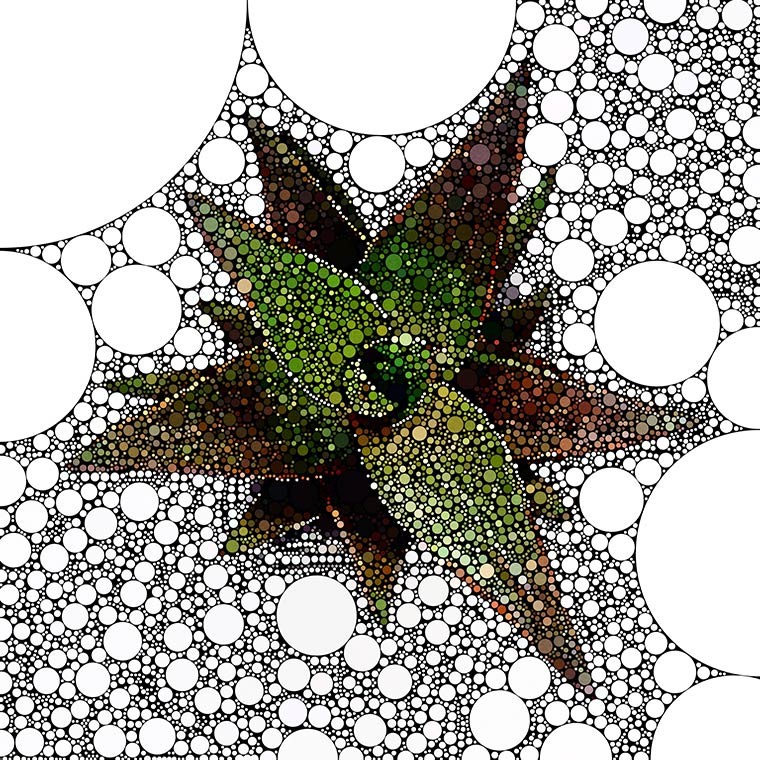
Here’s a cool succulent …

"app" happy wednesday

and a wild strawberry flower!percolator-wild-strawberry-copy

Next week I have a Camera review to share but tonight I’m about to fall off my chair …

Now let’s see what you’ve been up to!

*sorry … this series is closed

Filed Under: Phone Photography

Melancholy Lilac

June 10, 2014 by Barb 13 Comments

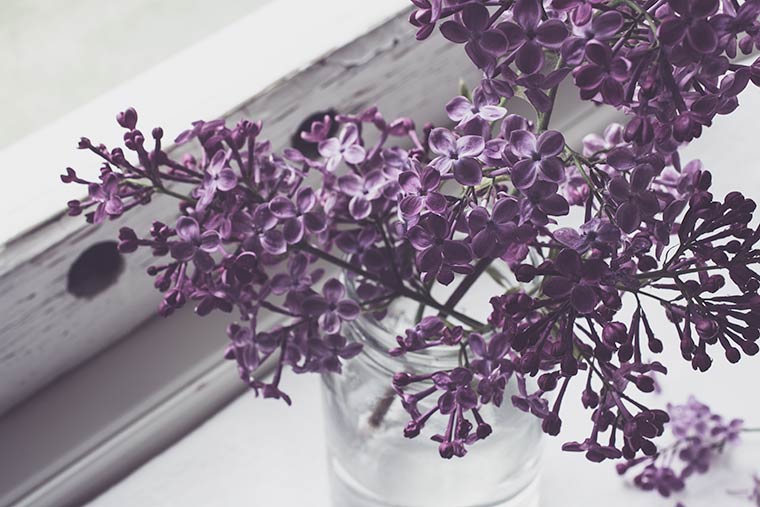
This takes me back to the farmhouse where I grew up. Faded memories of lilacs and mom.Melancholy Lilac, Keeping With the Times

I’m swooning over that window. Yes, it’s a sweet little prop …

Melancholy Lilac

… and the flowers are glorious this year.

Melancholy Lilac

Oh my. Thank you Kim for Melancholy. Just in time for lilacs.

Be Still 52 Class

Day 4: Make it Happen

Oh and don’t forget to join me for “app” happy wednesday tomorrow!

Filed Under: Artful Photography, Still Life Tagged With: be still 52 class, kim klassen, lightroom, photoshop

Johnny-Jump Up Still Life

June 8, 2014 by Barb 12 Comments

How about this perfectly imperfect pot of johnny-jump ups?johnny-jump up, still life, keeping with the times, be still 52 class, Kim Klassen, melancholyI was out in my garden doing a bit of weeding and I spied this sweet little bunch sitting so prettily in the lawn.

Oh how I love thee.

Simple. Imperfect. Perfect. I know I planted some seeds once, but I haven’t seen you for years … welcome back.

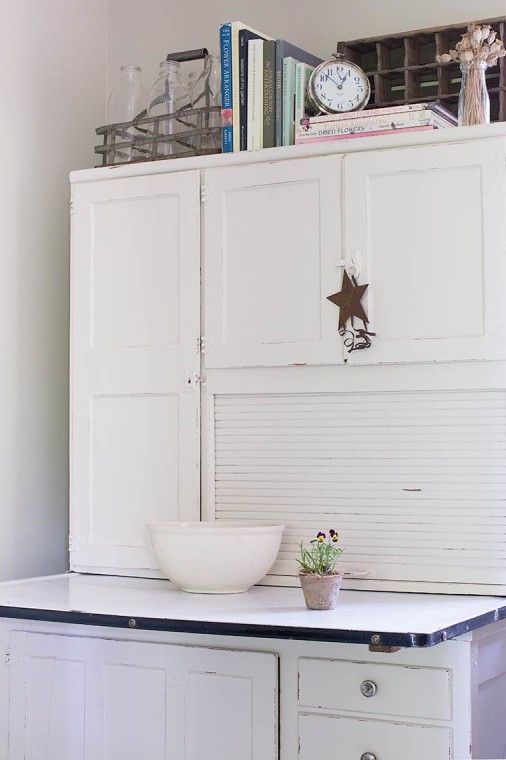
Also, welcome to my Hoosier cabinet in its new home—our pantry! Now that’s perfectly imperfect. I had been earnestly purging and organizing and was thinking how I could really use some more shelves. Long story short, hubby helped me drag it upstairs and I spent a blissful day setting up my treasures.

Take a gander at that side lighting! Its from a north-facing window and is my preferred light. I like the whiter, bluer tones and generally steer away from the yellowish tones. It’s a matter of taste but this is how I see it. The lighting in this room is not perfect (but it’s perfectly imperfect) so I use a piece of white foam core to bounce some light back onto my subject. For the above image I used my 40mm lens on a tripod with a slow shutter speed and an ISO of 250. I also used the timer to reduce shake. I ran Kim’s “Melancholy” LR preset and upped the saturation just a bit.

Here’s a pull-back of my scene.

hoosier

I’ve had this cabinet for over 20 years and it continues to delight me. It truly is the simple things in life that are the best.

Be Still 52 Class

Day 4 “Make it Happen”


Filed Under: Artful Photography, Still Life Tagged With: be still 52 class, flower, lightroom, photoshop, wabi sabi

“app” happy wednesday #7

June 4, 2014 by Barb 12 Comments

Welcome to “app” happy wednesday #7!

If you’re new to the party, this is a weekly link-up to share your photos edited with “apps” of course!

  • Use any “app” you like and perhaps explain how you used it.
  • Did you use just one? Did you combine apps?
  • Simply create some art. Post it on your blog or Flickr or wherever you are uploading your work, and then come back here and link it up!
  • Visit a few friends to see what they are up to and perhaps learn some fabulous new tips and techniques.
  • Spread the word about the link-up, the more the merrier!
  • Each party will start at 5:00 am on Wednesdays and will stay open until the following Sunday night at midnight.

*NEW* and exciting news! you can now use Instagram to link your images! Way cool! Check out the article here. I added a link and it works like a charm!

This week I wanted to share a little bit about Iconosquare (formerly Statigram). Have you heard about it?

It’s an online program that not only tracks and analyzes your Instagram feed, it provides viewing and organizing tools. It’s not a program or an app that you download — you work with it on your computer. I happen to be a little “nerdy” about keeping things organized and finding out how things work so I really kinda like this.

“Statigram is no longer only about analyzing your performance on Instagram it is also about managing your activity and engaging your community.”

Iconosquare

There are several types of snapshots that you can generate and they are updated about every 12 hours.

This is an “Instagram Summary” snapshot which you can share on Instagram if you like (use the hashtag #acticonosquare).

"app" happy wednesday, iconsquare

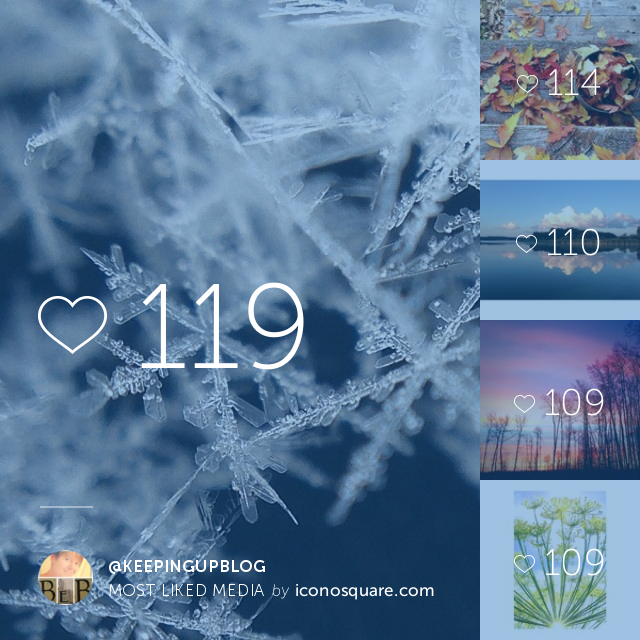
This is a “Most Liked Media” snapshot (#photoiconosquare). When Iconosquare was still Statigram you were able to create a little video of your most “liked” photos but I can’t find that option anywhere. It looks to me like it’s simply a snapshot now.
"app" happy wednesday, iconosquare

You can also

  • see and organize your feed into groups
  • get statistics on who is following you and who has decided to quit following you (insert sad face here but just get over it)
  • see how many comments you have
  • add an Instagram tab to your FB page

One of the cool things it offers is a snapshot of your feed to create a cover for your Facebook Page:

"app" happy wednesday, iconosquare, keeping with the times

I really encourage you to check it out. You simply have to sign in with your Instagram ID and you’re good to go. I’d love to know what you think of this… leave a comment and feel free to speak your mind. Is it a form of bragging? Is that bad? What do you love/not love about Instagram? Is it a tunnel dragging us in/down? I personally don’t care for commercial promotions but then what am I doing when I promote “app” happy wednesday?

Now let’s see what you’ve been up to! Don’t forget you can now link up directly from Instagram! I’m linking one from my feed today – hope you “like” it! tee hee

*sorry … this series is closed

Filed Under: Phone Photography Tagged With: iconosquare

Good Monday Morning!

June 2, 2014 by Barb 6 Comments

How was your weekend? Great I hope!

Yesterday I woke up a bit late and went and sat on the bottom steps of our deck. We’d been up ’til 1:00 or so the night before and I was tired which caused me to just sit still.

Slowly I noticed how warm it was, and how the sun was shining on the dew and the birds were singing. Of course I had my phone with me … it’s just the way things are nowadays.

This was my view…succulent, instagram, camera+, keeping with the times

succulent, instagram, camera+, keeping with the times

Here’s the reason we were out late the night before. Lobsterfest. And its what we had for dinner.

lobster, instagram, keeping with the times

It doesn’t get any better than this!

Thanks for stopping by!

Filed Under: Phone Photography

“app” happy wednesday #6

May 28, 2014 by Barb 11 Comments

Welcome to “app” happy wednesday #6!
If you’re new to the party, this is a weekly link-up to share your photos edited with “apps” of course!

    • Use any “app” you like and perhaps explain how you used it.
    • Did you use just one? Did you combine apps?
    • Simply create some art. Post it on your blog or Flickr or wherever you are uploading your work, and then come back here and link it up!
    • Visit a few friends to see what they are up to and perhaps learn some fabulous new tips and techniques.
    • Spread the word about the link-up, the more the merrier!
    • Each party will start at 5:00 am on Wednesdays and will stay open until the following Sunday night at midnight.

*NEW* and exciting news! you can now use Instagram to link your images! Way cool! Check out the article here. I added a link and it works like a charm!

"app" happy wednesday

Because I’ve been so busy, I’m just going to share a few photos from my week. I took them all in Hipstamatic, my go-to app for instant art. I don’t have any tips but I promise I will next week!

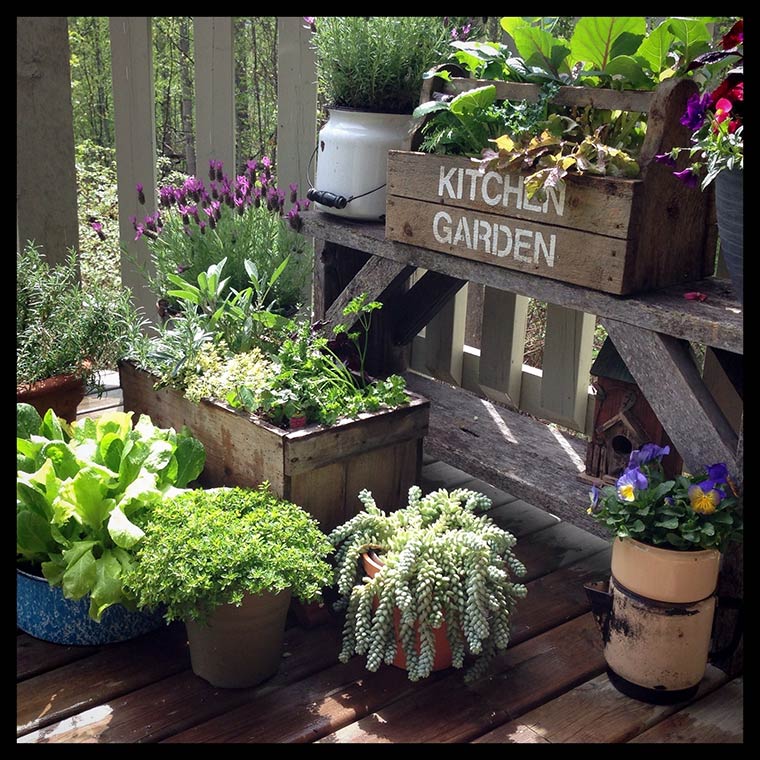
I have a sweet little kitchen garden on my deck and it is the source of many hours of fun …

"app" happy wednesday

and food …

Kitchen-Garden2-copy

and more food … we had a delicious salad with fresh lettuce, basil, nasturtium and parsley. I make a very thin salad dressing with mayonnaise, sugar and milk which doesn’t overwhelm the fresh lettuce.

Kitchen-Garden1-copy

It rained this week so I went about the yard taking shots of raindrops with my Olloclip.

waterdroplet2-copy

Can you see the house reflected in this giant drop? I think that’s me in the middle but I’m not sure …

waterdroplet-copy

A lake view from last weekend…

"app" happy wednesday

and isn’t this hilarious!? Our family get-together at the fire… I really think it’s funny because the little guy looks like he’s texting too – but he’s not :)

familytimeatthefire-copy

I hope you enjoyed my Insta photo bomb! I can’t wait to see what you’ve been up to!

*sorry … this series is closed

Filed Under: Phone Photography

“app” happy wednesday #5

May 21, 2014 by Barb 8 Comments

Welcome to “app” happy wednesday #5!

If you’re new to the party, this is a weekly link-up to share your photos edited with “apps” of course!

  • Use any “app” you like and perhaps explain how you used it.
  • Did you use just one? Did you combine apps?
  • Simply create some art. Post it on your blog or Flickr or wherever you are uploading your work, and then come back here and link it up!
  • Visit a few friends to see what they are up to and perhaps learn some fabulous new tips and techniques.
  • Spread the word about the link-up, the more the merrier!
  • Each party will start at 5:00 am on Wednesdays and will stay open until the following Sunday night at midnight.

Spring is here and I’ve been busily potting up my bedding plants #fromthepottingbench of course!

So here’s my rustic ladle pot holding a cute little succulent. I think this one is a lot about perspective. After I had taken photos with my DSLR I picked up my phone and suddenly felt so much more creative. I think it’s because I don’t have the expectation that it needs to be perfect.

I used the Distressed FX app with Lora and Lade. Lora brighten up the focal point, and Lade added the texture and wonderful vignetting.

"app" happy wednesday, succulent, ladle pot, rustic, keeping with the times

So what have you been up to this week? I’ve seen a few samples of your work around blogland and Instagram – do tell how you accomplished it all!

Please link back with a text link or use the “app” happy wednesday button.

*sorry … this series is closed

Filed Under: Phone Photography Tagged With: photoshop, potting bench

« Previous Page
Next Page »

Welcome! I'm Barb, and this is where I practice my mantra to "learn something new, try something different". It's my hope that something I do here may inspire you! Read More…

Categories

Archives

Copyright 2020 * Keeping with the Times * All rights reserved.